
Screen guide · Web app
Vehicle Compliance
Shows the expiry dates of every bus's papers and every driver's licence, and flags the ones that have expired or will expire soon.
यह पेज अंग्रेज़ी में है। कुछ समझ न आए तो ।
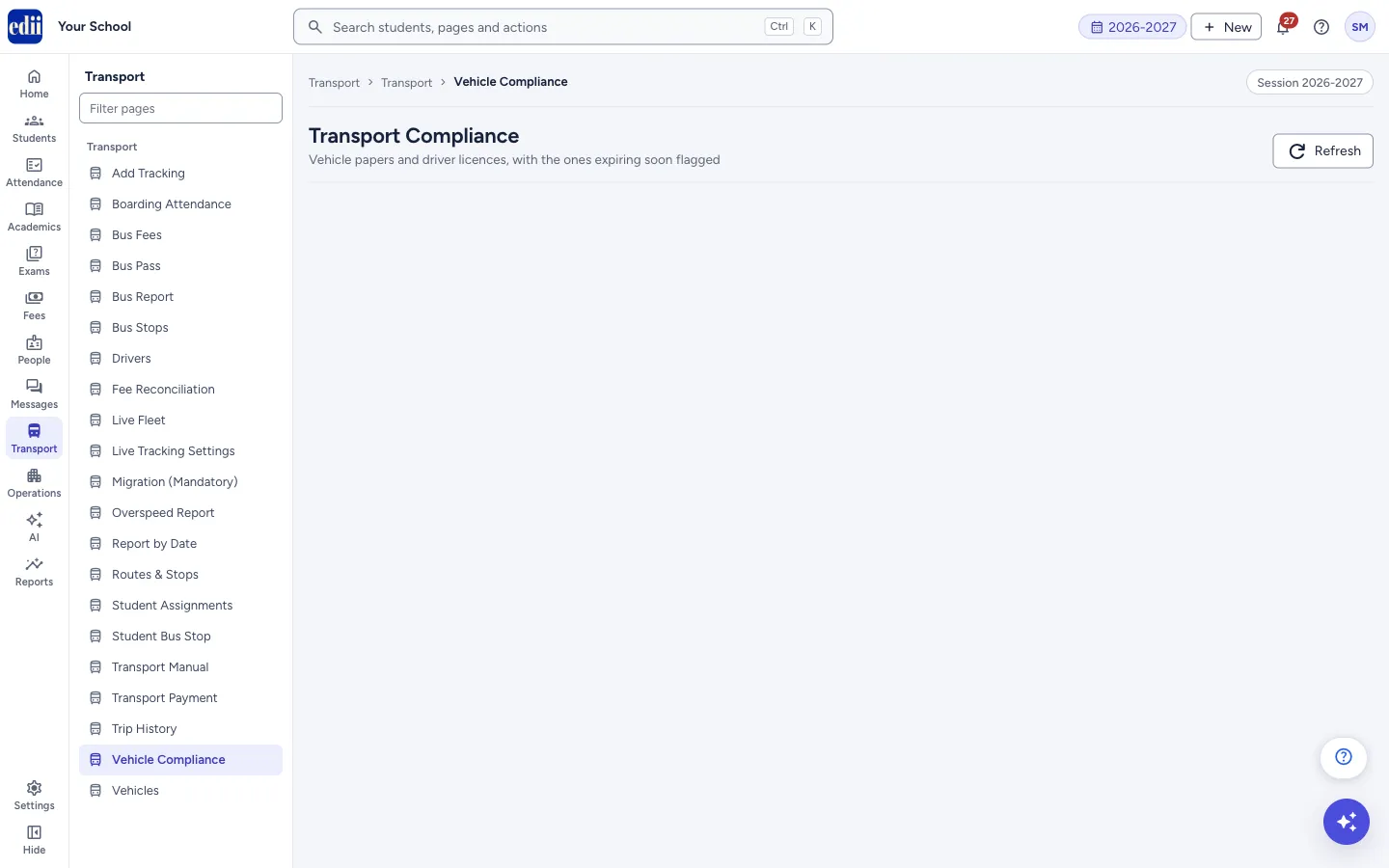
This screen is headed Transport Compliance: Vehicle papers and driver licences, with the ones expiring soon flagged. Two tables show the papers: Vehicle Documents (RC, Insurance, PUC, Fitness and Permit of each bus) and Driver Licences (each driver’s licence number and expiry).
Five boxes at the top count documents: Expired, Within 7 days, In 8-15 days, In 16-30 days and Not on file. Each box counts documents, not vehicles, so a bus with two expired papers counts twice, and driver licences are included. The groups do not overlap: a paper due in 3 days is counted only under Within 7 days.
The dates themselves are entered on Vehicles (for bus papers) and Drivers (for licences). This screen only shows them.
Who uses it and when
Section titled “Who uses it and when”The transport in-charge, once a month or before the new session, to renew papers in time.
Where to find it
Section titled “Where to find it”- In school.edii.in: Transport › Transport › Vehicle Compliance
- Or press Ctrl K (⌘ K on a Mac) and type Vehicle Compliance.
- Address:
school.edii.in/view/transport-compliance - Who can see it: Staff whose role includes Transport access. Shown only when your school uses Hostel and Inventory and Canteen and Health Records and Tracking in EDII. If it is missing from your menu, ask your school admin.
 Open a bigger pictureतस्वीर बड़ी करें
Step by step
Section titled “Step by step”1. Open the page
Section titled “1. Open the page”Open Transport › Vehicle Compliance. The report loads on its own. Select Refresh (tooltip Reload from the server) to load it again after you change a date elsewhere.
2. Read the counts
Section titled “2. Read the counts”The five boxes show how many documents are Expired, expire Within 7 days, In 8-15 days, In 16-30 days, or have no expiry date saved (Not on file).
3. Show only what needs attention
Section titled “3. Show only what needs attention”Under Filters, switch on Only show what needs attention. It hides vehicles and drivers whose papers are all valid for more than 30 days. Reset clears the filter.
4. Read the vehicle table
Section titled “4. Read the vehicle table”In Vehicle Documents each row is a bus (Registration No, Bus No). Each paper shows as a coloured label with its expiry date, or Not on file. Point at a label for its meaning: Already expired, Expires within 7 days, Expires in 8 to 15 days, Expires in 16 to 30 days or Valid for more than 30 days. Use Search (Registration or bus number…) to find a bus.
5. Read the driver table
Section titled “5. Read the driver table”Driver Licences lists Name, Licence No, Licence Expiry and Status. The Status label has the same colours and meanings. Use Search (Name or licence number…) to find a driver.
6. Download
Section titled “6. Download”Download above each table saves it as Excel, CSV or text. The files are named VehicleDocumentCompliance and DriverLicenceCompliance.
Fields and filters
Section titled “Fields and filters”| Field | What it is | Notes |
|---|---|---|
| Only show what needs attention | Hides vehicles and drivers whose papers are all valid for more than 30 days. | A paper with no date on file counts as needing attention. |
| Search (vehicles) | Finds a bus. | Registration or bus number. |
| Search (drivers) | Finds a driver. | Name or licence number. |
Buttons
Section titled “Buttons”| Button | What it does | What happens next |
|---|---|---|
| Refresh | Loads the report again. | The counts and tables refresh. |
| Reset | Clears the filters. | |
| Download | Saves a table as Excel, CSV or text. |
Columns
Section titled “Columns”| Column | Meaning |
|---|---|
| Registration No, Bus No | The bus. |
| RC, Insurance, PUC, Fitness, Permit | The expiry date of each paper, or Not on file. |
| Name, Licence No | The driver and licence number. |
| Licence Expiry, Status | The expiry date and its colour label. |
Good to know
Section titled “Good to know”- A paper with no expiry date on file shows Not on file and is counted in Not on file, and it also counts as needing attention.
- Dates are shown as DD/MM/YYYY.
Messages you may see
Section titled “Messages you may see”| Message | What it means | What to do |
|---|---|---|
| No vehicles to show. | No bus matches the filter or the search. | |
| No drivers to show. | No driver matches the filter or the search. |
- Review this page every month. Live Fleet shows the same counts in its Document Expiry panel.
Did this page help?क्या इस पेज से मदद मिली?
Thanks! Glad it helped.धन्यवाद! अच्छा लगा कि काम बन गया।
Sorry about that. Ask in your own words, or write to us.माफ़ कीजिए। अपने शब्दों में पूछें, या हमें लिखें।