
Screen guide · Web app
AI Test Analytics
How teachers use AI test generation: tests created, questions regenerated and edited, regeneration rate by topic, and the questions students find hardest.
यह पेज अंग्रेज़ी में है। कुछ समझ न आए तो ।
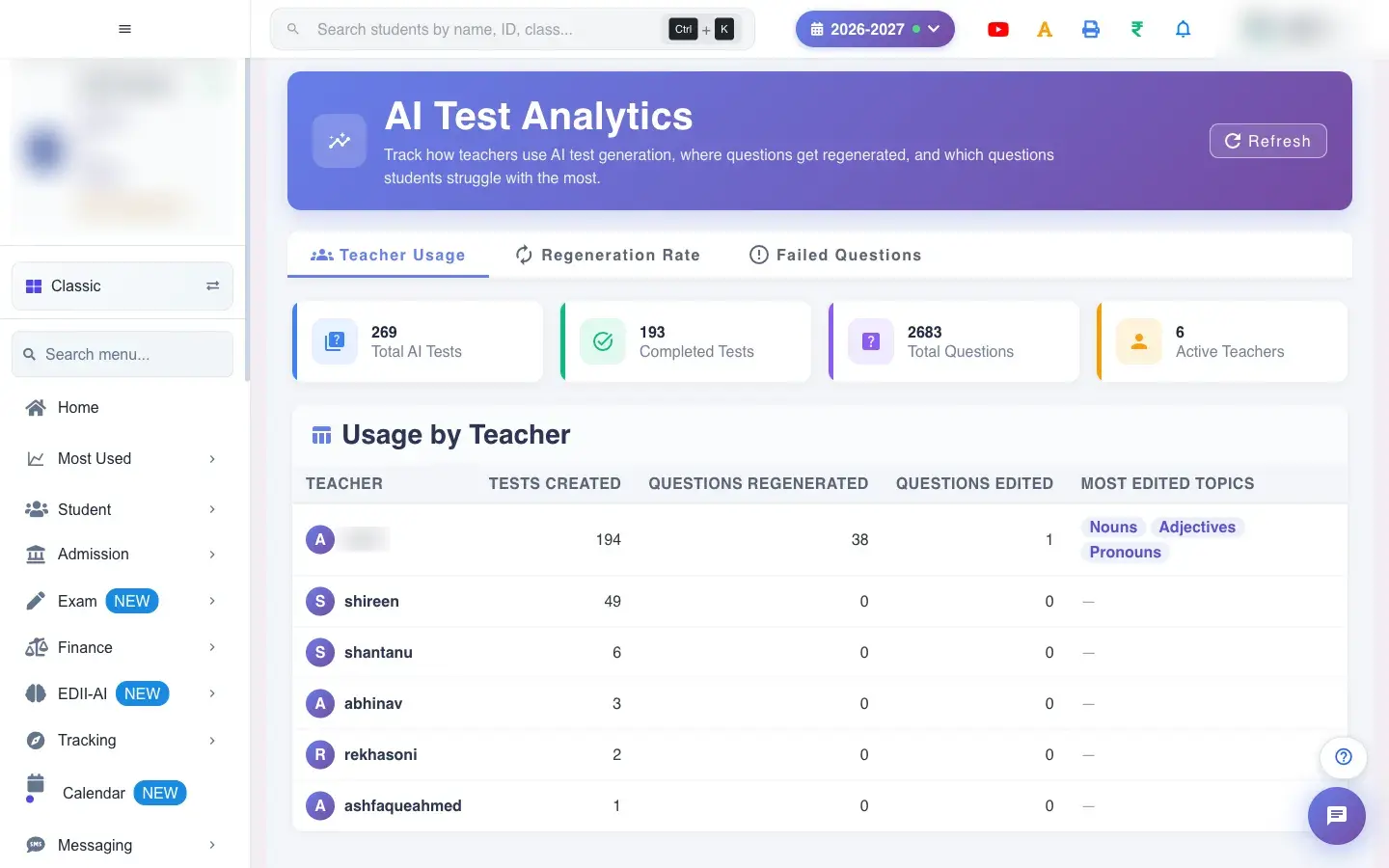
AI Test Analytics (Exam › AI Test Analytics) tracks how teachers use AI tests, where questions get regenerated and which questions students struggle with most. Three tabs: Teacher Usage, Regeneration Rate and Failed Questions. Summary tiles show Total AI Tests, Completed Tests, Total Questions and Active Teachers. Refresh reloads.
Who uses it and when
Section titled “Who uses it and when”The principal and academic head review it to see how AI tests are being used.
Before you start
Section titled “Before you start”- Data appears once teachers have created AI tests (No AI test usage found for this session.).
Where to find it
Section titled “Where to find it”- Menu: Exam › AI Test Analytics
- Address:
/view/ai-test-analytics - If it is missing from your menu, your role does not include it. Ask your school admin.
 Open a bigger pictureतस्वीर बड़ी करें
Step by step
Section titled “Step by step”1. Teacher Usage
Section titled “1. Teacher Usage”The table Usage by Teacher shows Teacher, Tests Created, Questions Regenerated, Questions Edited and Most Edited Topics.
2. Regeneration Rate
Section titled “2. Regeneration Rate”Shows which topics need the most regeneration, a sign that the AI questions were weaker there.
3. Failed Questions
Section titled “3. Failed Questions”Lists the questions students got wrong most often, so teachers can revisit those topics.
With data
Section titled “With data”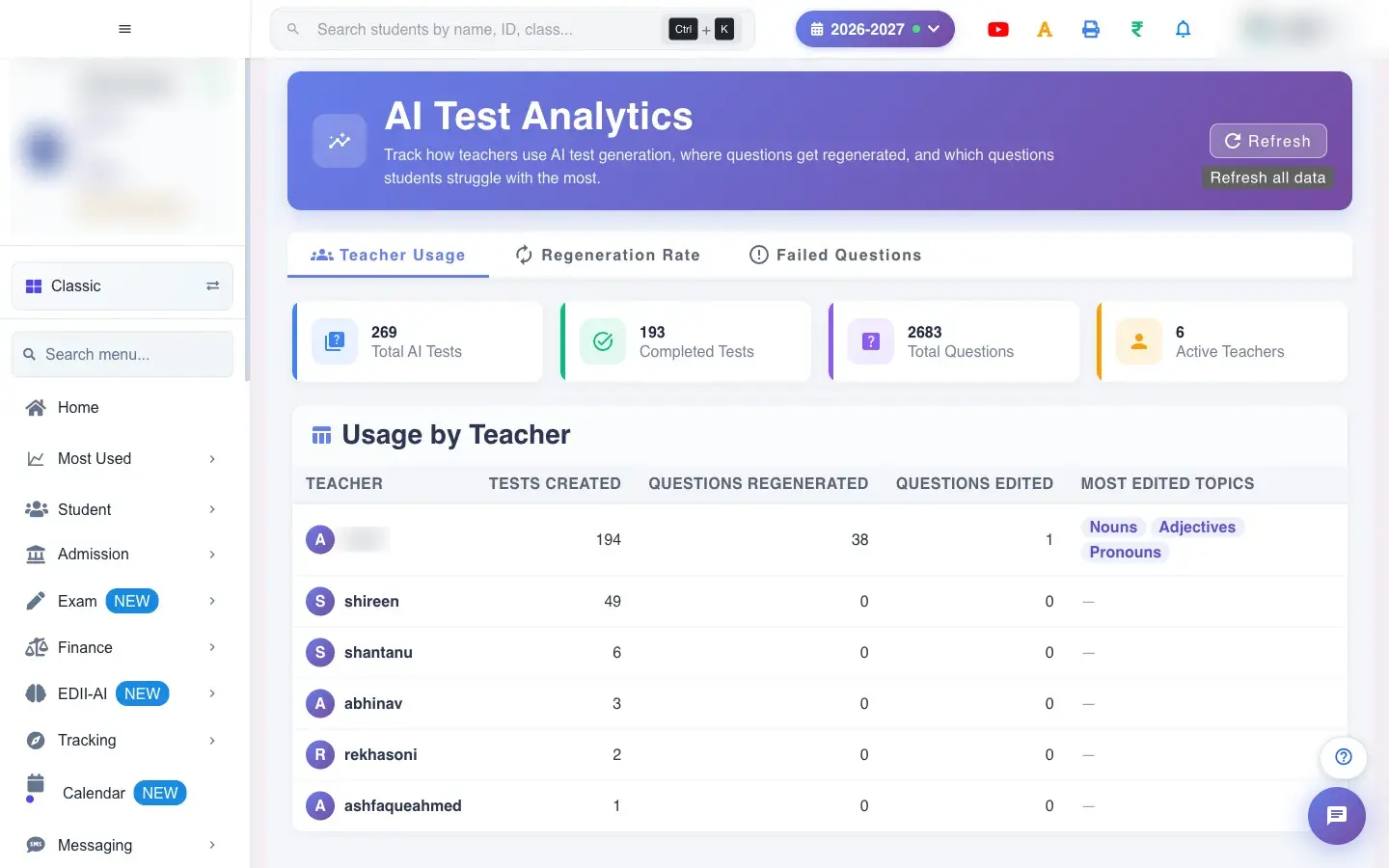 Open a bigger pictureतस्वीर बड़ी करें
Buttons
Section titled “Buttons”| Button | What it does | What happens next |
|---|---|---|
| Refresh | Reloads the numbers. | Shows Bad/Slow Internet Connection if it fails. |
Columns
Section titled “Columns”| Column | Meaning |
|---|---|
| Teacher / Tests Created | Who and how many tests. |
| Questions Regenerated / Edited | How often questions were redone or changed. |
| Most Edited Topics | Topics with the most edits. |
After you save
Section titled “After you save”- This screen only reads data.
Good to know
Section titled “Good to know”- Figures are for the current session.
Messages you may see
Section titled “Messages you may see”| Message | What it means | What to do |
|---|---|---|
| No AI test usage found for this session. | No tests yet. | Create AI tests. |
| Bad/Slow Internet Connection | It could not load. | Try again. |
- Share the most-edited topics with teachers to improve prompts.
Stuck? Try this
Section titled “Stuck? Try this”| Problem | Likely cause | What to do |
|---|---|---|
| All zeros | No AI tests this session. | Create one. |
Did this page help?क्या इस पेज से मदद मिली?
Thanks! Glad it helped.धन्यवाद! अच्छा लगा कि काम बन गया।
Sorry about that. Ask in your own words, or write to us.माफ़ कीजिए। अपने शब्दों में पूछें, या हमें लिखें।