
Screen guide · Teacher app
At-Risk Students
A ranked list of students who need help, each with the reason, filtered by risk level and class; fee alerts are left out on purpose.
यह पेज अंग्रेज़ी में है। कुछ समझ न आए तो ।
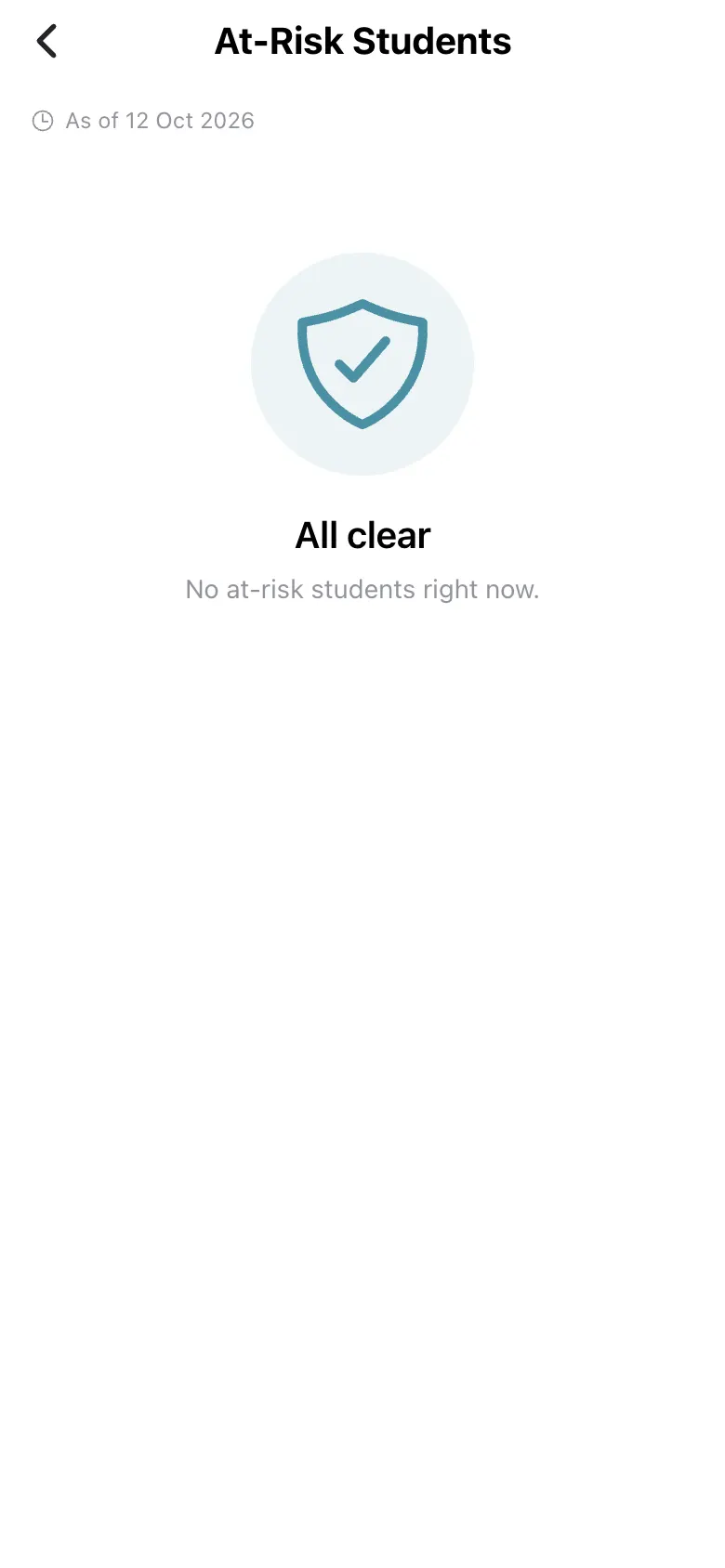
At-Risk Students (As of <date>) lists students flagged for attention with a reason. Filter by level (All, High, Medium, Low) and by class. All clear — No at-risk students right now. means nobody is flagged; Couldn’t load means the fetch failed. Pending-fee alerts are excluded because teachers cannot act on them.
Who uses it and when
Section titled “Who uses it and when”Class teachers looking for children to support.
Before you start
Section titled “Before you start”- Attendance and marks must be up to date.
Where to find it
Section titled “Where to find it”- Select At-Risk Students on Home.
 Open a bigger pictureतस्वीर बड़ी करें
Step by step
Section titled “Step by step”1. Read the list
Section titled “1. Read the list”Check each student’s reason.
Fields and filters
Section titled “Fields and filters”| Field | What it is | Notes |
|---|---|---|
| All / High / Medium / Low | Risk level. | Optional. |
| All classes | Filter by class. | Optional. |
Buttons
Section titled “Buttons”| Button | What it does | What happens next |
|---|---|---|
| Retry | Reloads. | The list reloads. |
After you save
Section titled “After you save”- This screen only shows information.
Good to know
Section titled “Good to know”- Fee alerts are not shown here.
Messages you may see
Section titled “Messages you may see”| Message | What it means | What to do |
|---|---|---|
| All clear | No student is flagged. | Nothing to do. |
| Couldn’t load | The fetch failed (not the same as no one at risk). | Select Retry. |
- Open the student’s profile to act.
Stuck? Try this
Section titled “Stuck? Try this”| Problem | Likely cause | What to do |
|---|---|---|
| The list is empty | Nobody is at risk, or it failed to load. | Check whether it says Couldn’t load. |
Did this page help?क्या इस पेज से मदद मिली?
Thanks! Glad it helped.धन्यवाद! अच्छा लगा कि काम बन गया।
Sorry about that. Ask in your own words, or write to us.माफ़ कीजिए। अपने शब्दों में पूछें, या हमें लिखें।