
Screen guide · Admin app
Settings
School information, session, notification preferences, change password with a one-time code, support links and logout.
यह पेज अंग्रेज़ी में है। कुछ समझ न आए तो ।
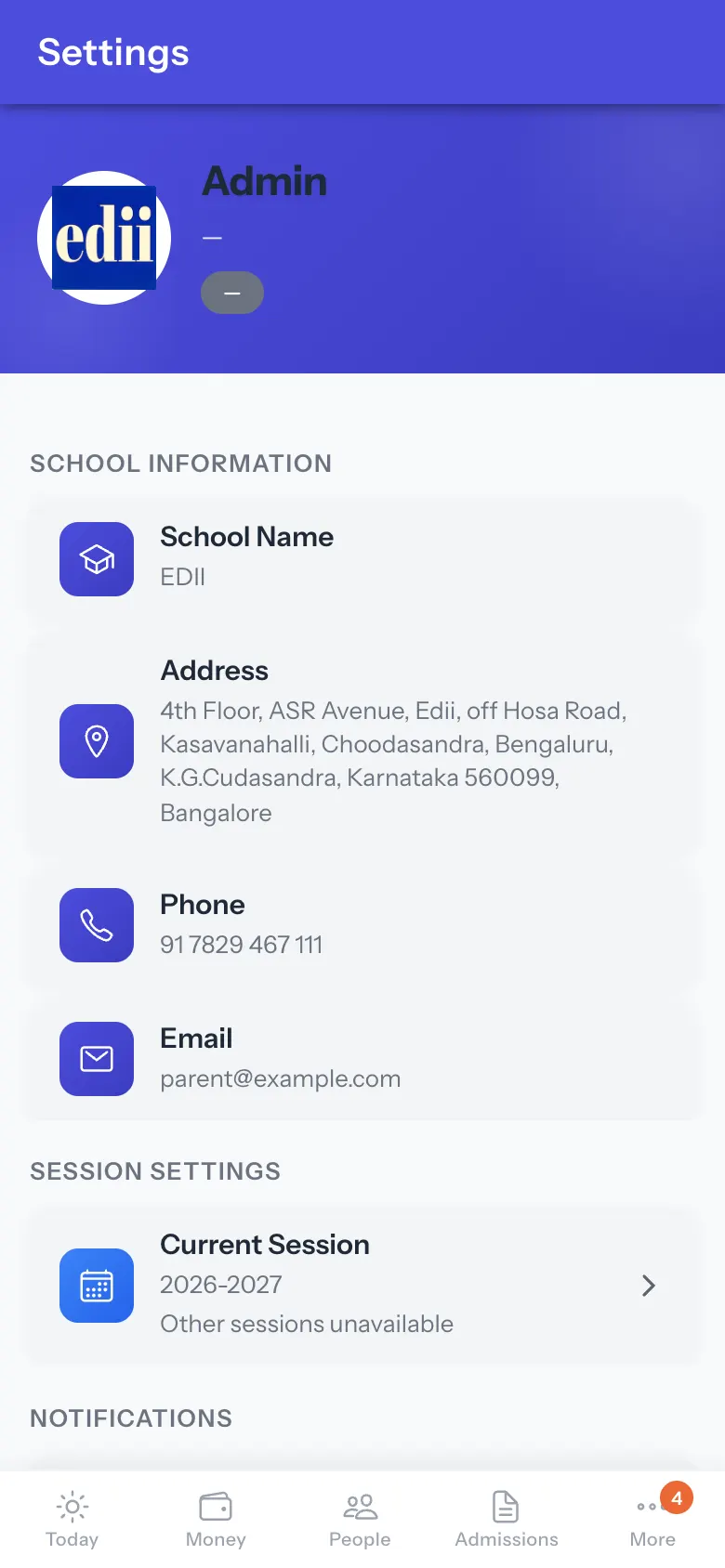
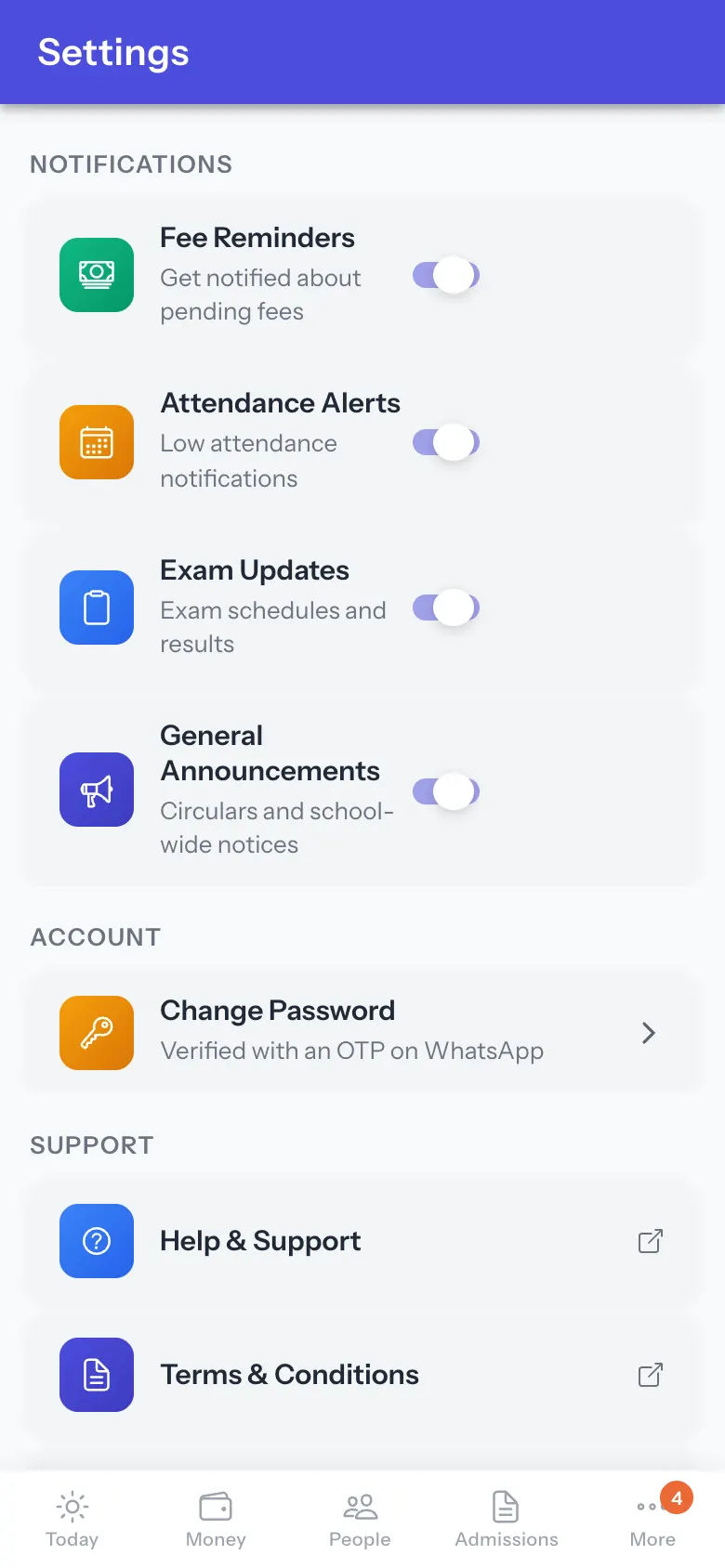
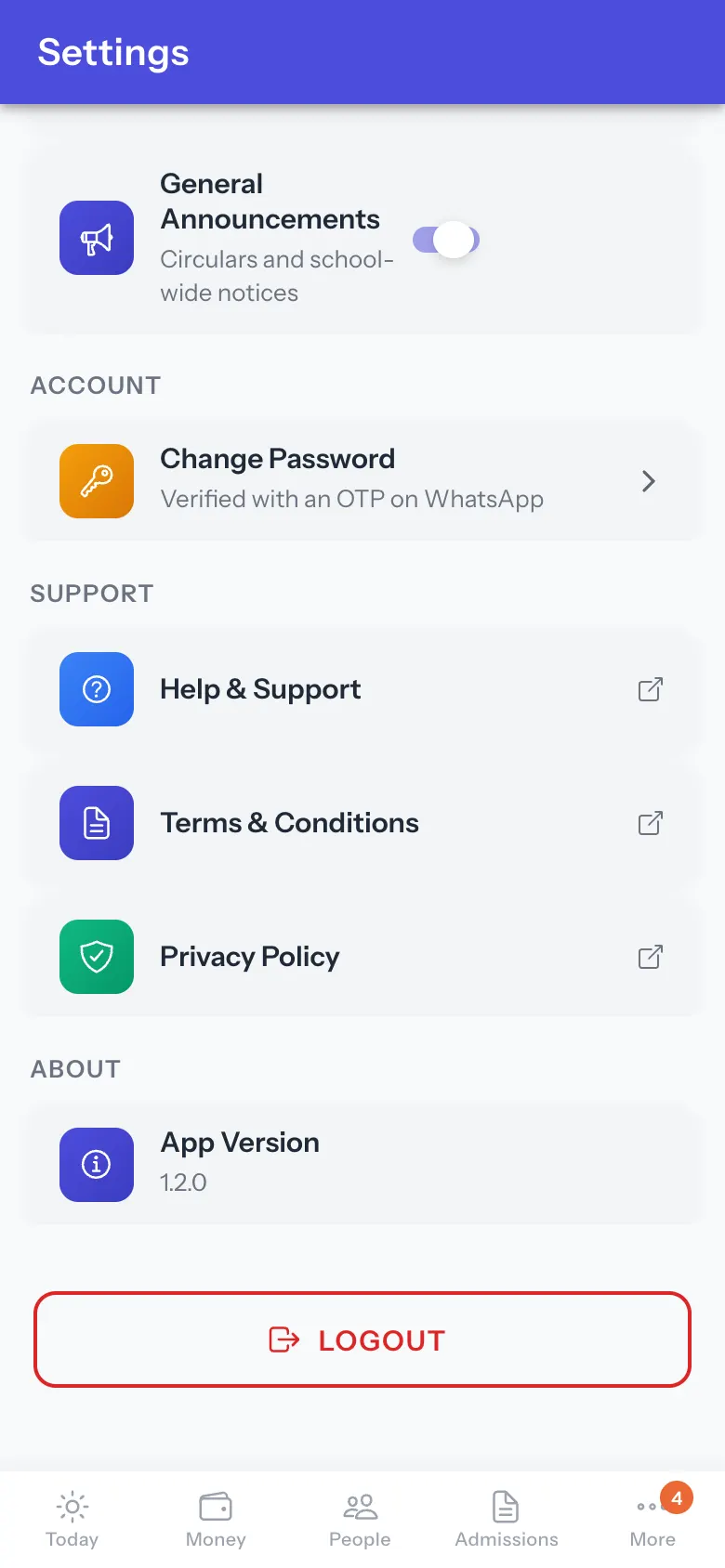
Settings shows School Information (School Name, Address, Phone, Email), Session Settings (Current Session; change it with Change Session, Session changed successfully), Notifications (Fee Reminders, Attendance Alerts, Exam Updates, General Announcements; Notification preferences saved), Account (Change Password), Support (Help & Support, Terms & Conditions, Privacy Policy), About (App Version) and LOGOUT.
Change Password: enter your User ID to get a one-time code (OTP). It goes to your WhatsApp, or to your registered email if your account has no WhatsApp number (OTP sent to your WhatsApp or OTP sent to your registered email). Enter the code (Verify OTP) and a new password (at least 3 characters; both entries must match) (Changing password…).
Who uses it and when
Section titled “Who uses it and when”Administrators.
Before you start
Section titled “Before you start”- Have your WhatsApp or email at hand for a password change.
Where to find it
Section titled “Where to find it”- More › Settings.
 Open a bigger pictureतस्वीर बड़ी करें
Step by step
Section titled “Step by step”1. Choose notifications
Section titled “1. Choose notifications”Switch the notification types on or off.
 Open a bigger pictureतस्वीर बड़ी करें
2. Change the password
Section titled “2. Change the password”Select Change Password and follow the one-time code steps.
 Open a bigger pictureतस्वीर बड़ी करें
Fields and filters
Section titled “Fields and filters”| Field | What it is | Notes |
|---|---|---|
| Notification switches | Which alerts the app sends you. | On or off. |
| User ID / OTP / New password | For a password change. | At least 3 characters. |
Buttons
Section titled “Buttons”| Button | What it does | What happens next |
|---|---|---|
| Change Session | Switches the school session. | Session changed successfully. |
| LOGOUT | Signs you out. | Are you sure you want to logout? |
After you save
Section titled “After you save”- Choices apply to this account straight away.
Good to know
Section titled “Good to know”- Passwords must be at least 3 characters and match.
Messages you may see
Section titled “Messages you may see”| Message | What it means | What to do |
|---|---|---|
| Session list unavailable. Retrying… | Other sessions could not load. | Wait or retry. |
| Please enter your User ID | Empty. | Type it. |
| Please enter the OTP | Empty. | Type the code. |
| Passwords do not match | The two passwords differ. | Retype. |
| Error sending OTP. Please try again. | The code could not be sent. | Try again. |
| Error changing password. Please try again. | It failed. | Try again. |
- Change the session here before looking at last year’s figures.
Stuck? Try this
Section titled “Stuck? Try this”| Problem | Likely cause | What to do |
|---|---|---|
| No OTP arrives | The WhatsApp number or email on record is wrong. | Update it in the web app. |
Did this page help?क्या इस पेज से मदद मिली?
Thanks! Glad it helped.धन्यवाद! अच्छा लगा कि काम बन गया।
Sorry about that. Ask in your own words, or write to us.माफ़ कीजिए। अपने शब्दों में पूछें, या हमें लिखें।