
Get started · Web app
What EDII is
EDII क्या है
EDII is the school operating system: one place for students, fees, attendance, exams, messages, transport and more, with apps for teachers, parents and drivers.
यह पेज अंग्रेज़ी में है। कुछ समझ न आए तो ।
EDII is a school operating system. The school staff use the web app (this site’s Screens section) and the Admin app; teachers use the Teacher app; parents and students use the EDII student app; bus drivers use the EDII Transport app. Everything is connected: when a teacher saves attendance on the phone, the parent’s app and the office reports show it straight away.
The web app is organised by modules in the menu on the left: Student, Admission, Exam, Finance, EDII-AI, Tracking, Calendar, Messaging, E Learning, Support, Social Media, Library, User, Visitors, Report, HRMS and more. What you see depends on your role and on which modules your school has switched on.
Before you start
Section titled “Before you start”- You need a username and password from your school, or the school’s Google sign-in.
1. Sign in
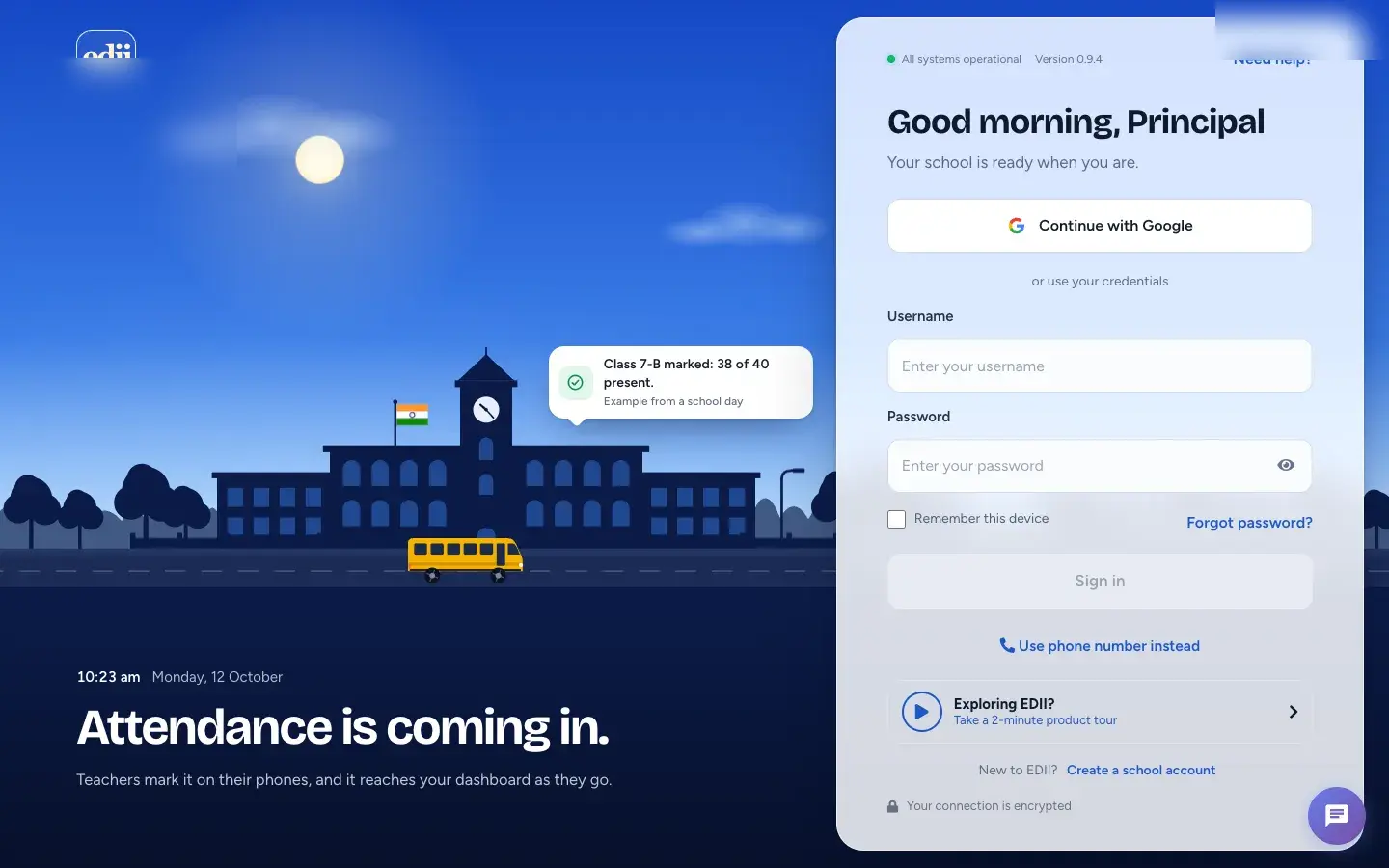
Section titled “1. Sign in”Open EDII in your browser and sign in with your school username and password.
 Open a bigger pictureतस्वीर बड़ी करें
2. Look at the dashboard
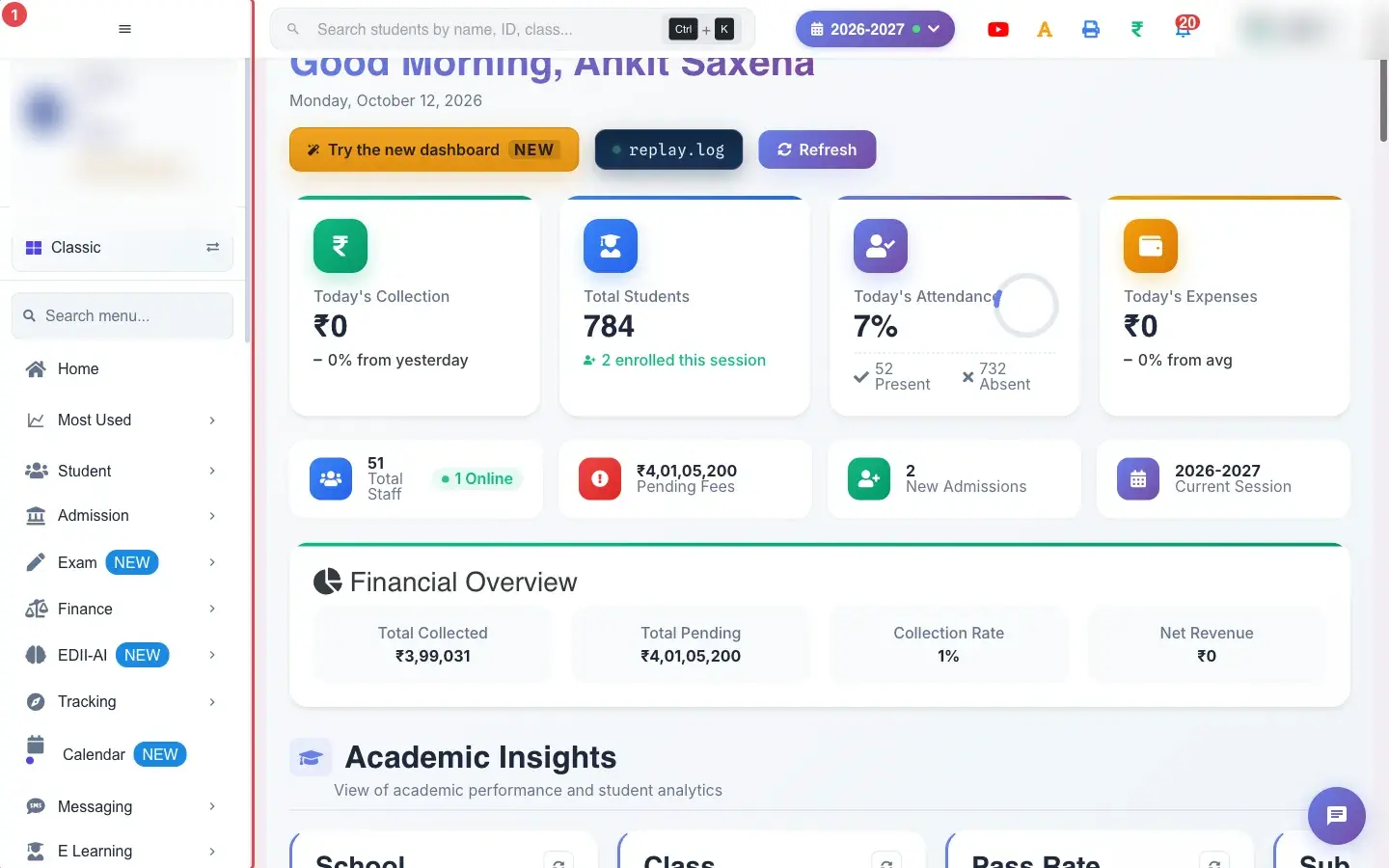
Section titled “2. Look at the dashboard”After signing in you land on the dashboard: today’s collection, students, attendance, expenses, pending fees and more.
 Open a bigger pictureतस्वीर बड़ी करें
3. Use the menu
Section titled “3. Use the menu”Open a module in the left menu and choose a screen. Every screen has its own page in this help site.
Open a bigger pictureतस्वीर बड़ी करें
What happens next
Section titled “What happens next”- From here read Find your way around and Switch the academic session.
Stuck? Try this
Section titled “Stuck? Try this”| You see | Why | What to do |
|---|---|---|
| A module is missing from my menu | Your role does not include it, or the school has switched it off. | Ask your school administrator. |
Did this page help?क्या इस पेज से मदद मिली?
Thanks! Glad it helped.धन्यवाद! अच्छा लगा कि काम बन गया।
Sorry about that. Ask in your own words, or write to us.माफ़ कीजिए। अपने शब्दों में पूछें, या हमें लिखें।