
How-to · Teacher app
Enter marks for a whole class
मार्क्स भरें
Fill the marks sheet and save once.
यह पेज अंग्रेज़ी में है। कुछ समझ न आए तो ।
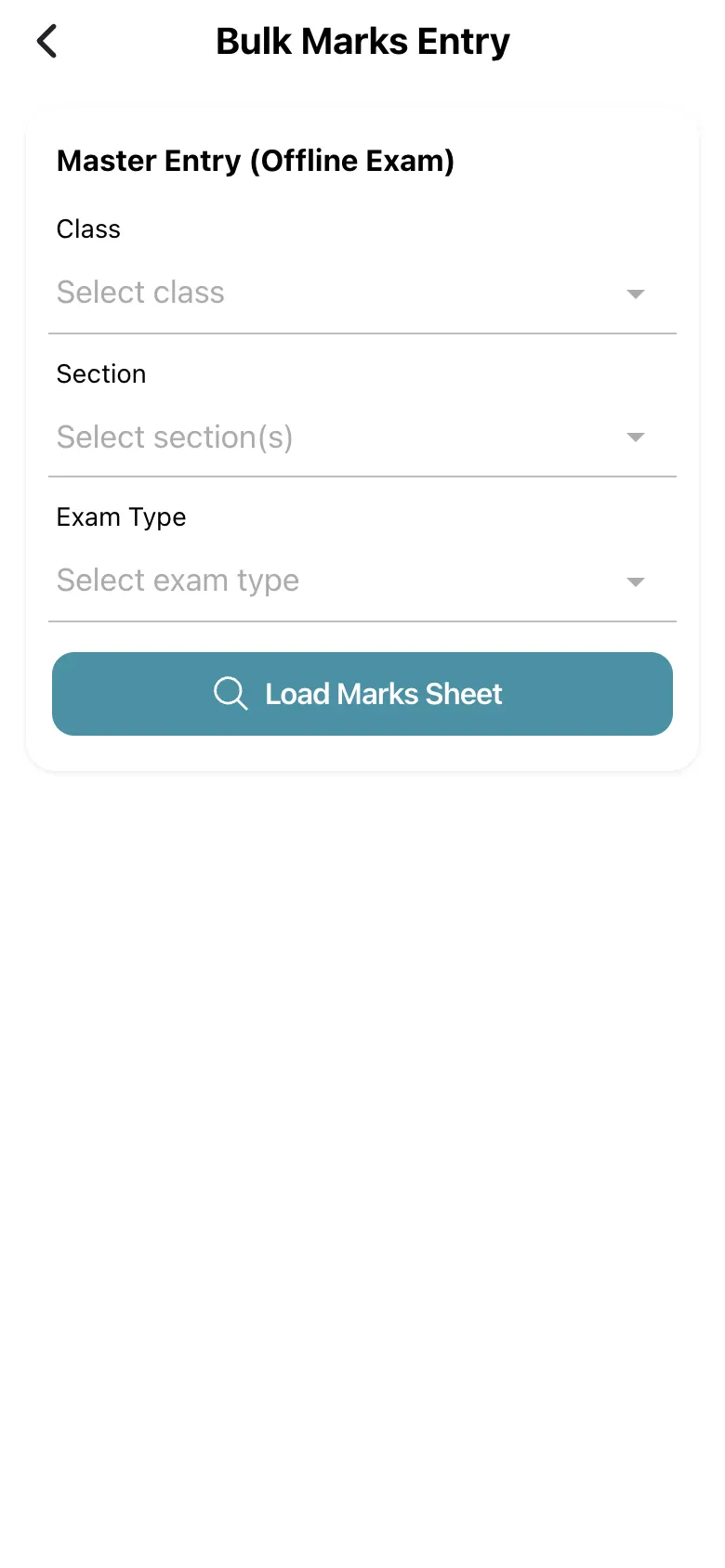
Bulk Marks Entry (Master Entry (Offline Exam)): choose the Class, one or more Sections and the Exam Type and select Load Marks Sheet. The sheet lists every student with a column per subject; enter marks, then submit once. Sort by Name or Sort by Roll matches the paper pile. The sheet works best in landscape. Rows that could not be saved are listed (Not saved:) with Retry; Partly saved tells you some rows failed.
Before you start
Section titled “Before you start”- Exams of that type must be scheduled.
1. Choose the sheet
Section titled “1. Choose the sheet”Pick class, sections and exam type, then Load Marks Sheet.
 Open a bigger pictureतस्वीर बड़ी करें
2. Enter marks
Section titled “2. Enter marks”Type every mark; sort by roll to match your papers.
3. Save once
Section titled “3. Save once”Submit the sheet; check any rows marked Not saved.
Full details of this screen Enter marks for a whole class
What happens next
Section titled “What happens next”- Marks are saved for the students and show in report cards.
Good to know
Section titled “Good to know”- Marks above the maximum are flagged.
Stuck? Try this
Section titled “Stuck? Try this”| You see | Why | What to do |
|---|---|---|
| Some rows are not saved | A connection drop. | Select Retry. |
Did this page help?क्या इस पेज से मदद मिली?
Thanks! Glad it helped.धन्यवाद! अच्छा लगा कि काम बन गया।
Sorry about that. Ask in your own words, or write to us.माफ़ कीजिए। अपने शब्दों में पूछें, या हमें लिखें।