
How-to · Web app
Send an SMS to parents
पेरेंट्स को SMS भेजें
Send an SMS using a template.
यह पेज अंग्रेज़ी में है। कुछ समझ न आए तो ।
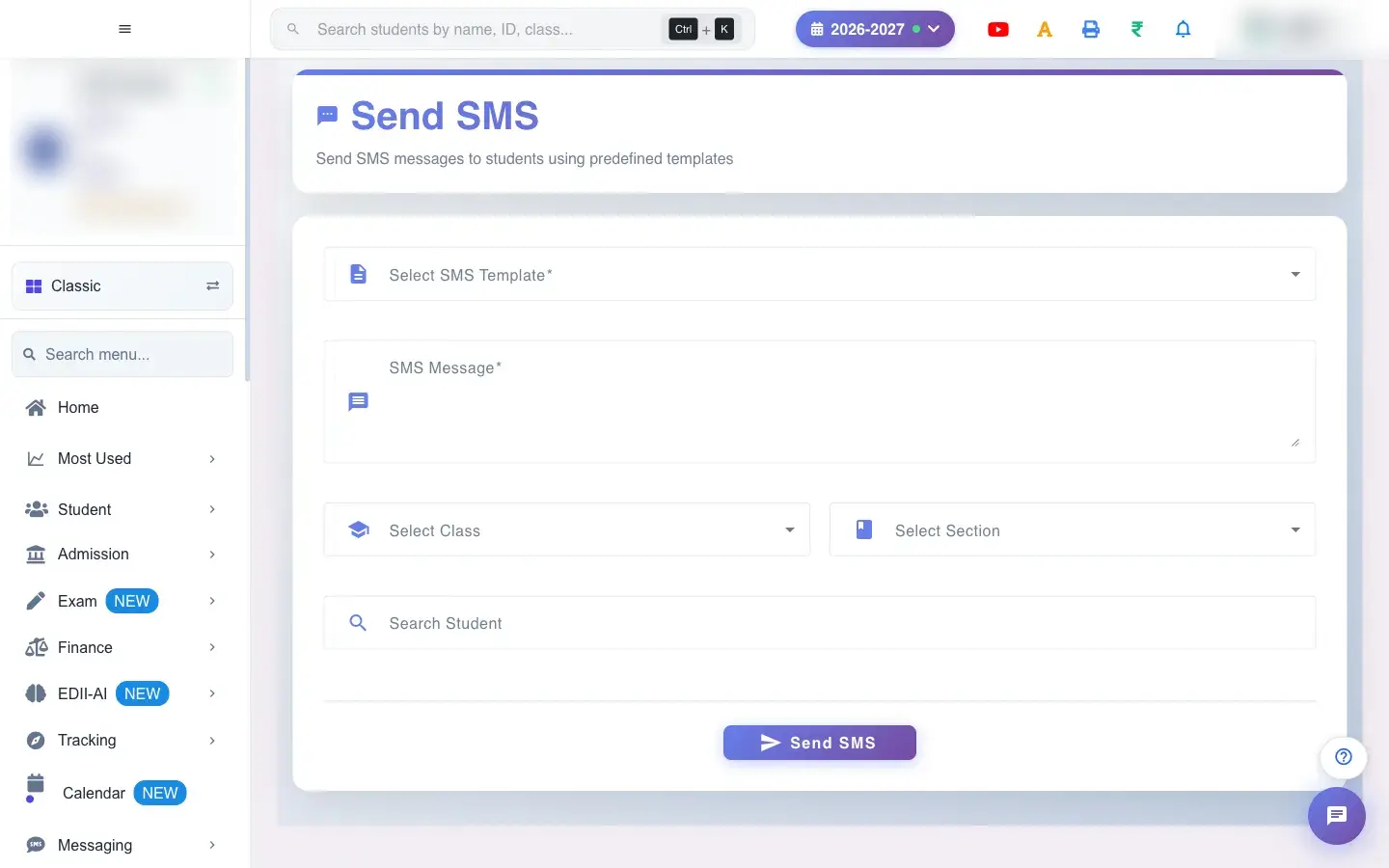
Send SMS (Messaging › Send SMS) sends SMS messages to students’ parents using predefined templates. Select a template (Please select an SMS template); its text appears in SMS Message and any Template Variables (for example Variable 1) become boxes you fill in. Then choose who gets it: a Class and Section (or Select All), or individual students found with Search Student, shown under Selected Students. Select Send SMS.
Before you start
Section titled “Before you start”- The school needs SMS balance. Only approved templates can be used; you cannot send free text.
1. Choose the template
Section titled “1. Choose the template”Pick a template under Select SMS Template. The message is required (SMS message is required).
 Open a bigger pictureतस्वीर बड़ी करें
2. Fill the variables
Section titled “2. Fill the variables”Type a value for each Template Variable; they are placed into the message where the template has gaps.
3. Choose the recipients
Section titled “3. Choose the recipients”Select a Class and Section, or search students by name, ID, roll number, enrollment number or father’s name and pick them. If you choose neither you see Choose a class and a section, or search and pick students first. Selected students appear with a cancel icon to remove them.
4. Send
Section titled “4. Send”Select Send SMS. Notifications Sent confirms. SMS use the school’s SMS balance and cannot be recalled.
Full details of this screen Send an SMS to parents
What happens next
Section titled “What happens next”- An SMS is sent to the parent’s registered number of every recipient and counted against the school’s SMS balance; it appears in the SMS Report.
- A message cannot be recalled.
Good to know
Section titled “Good to know”- Only predefined templates can be sent.
- A template and recipients are required.
Stuck? Try this
Section titled “Stuck? Try this”| You see | Why | What to do |
|---|---|---|
| Some parents did not get it | No registered number or no balance. | Check numbers and SMS balance. |
Did this page help?क्या इस पेज से मदद मिली?
Thanks! Glad it helped.धन्यवाद! अच्छा लगा कि काम बन गया।
Sorry about that. Ask in your own words, or write to us.माफ़ कीजिए। अपने शब्दों में पूछें, या हमें लिखें।