
How-to · Web app
Enter marks in bulk
Enter a whole class's marks in one sheet.
यह पेज अंग्रेज़ी में है। कुछ समझ न आए तो ।
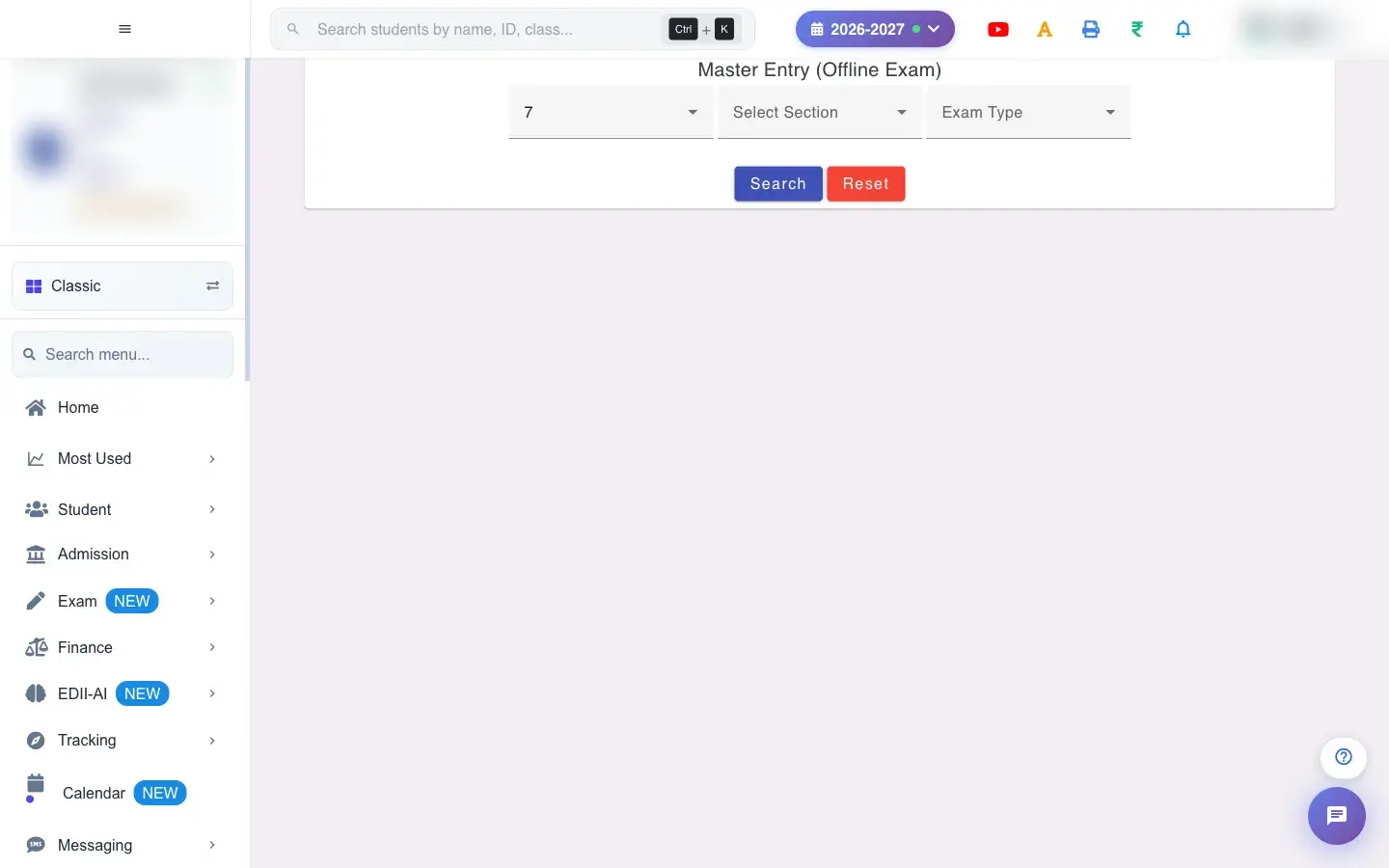
Master Entry (Offline Exam) (Exam › Bulk Entry) is the fast way to enter marks for many subjects at once. Choose the Class, Section and Exam Type and press Search; the sheet shows every student with a column per subject and the maximum marks. You can type marks directly, or Download a marks file (CSV), fill it in Excel and Upload File with marks.
Before you start
Section titled “Before you start”- Tests must exist for the class and exam type.
1. Choose class, section and exam type
Section titled “1. Choose class, section and exam type”Pick all three and select Search.
 Open a bigger pictureतस्वीर बड़ी करें
2. Type or upload marks
Section titled “2. Type or upload marks”Type marks in the cells (a hint shows each subject’s maximum), or Download the marks file, fill it in and Upload File with marks. A file with the wrong content shows Could not read the CSV file. Please try again.; with no file, No file selected. A successful read says CSV loaded — …; a problem says CSV upload aborted — ….
3. Submit
Section titled “3. Submit”Select SUBMIT. The message Marks Have Been Updated confirms it; Cannot submit — … explains any problem, such as marks above the maximum.
Full details of this screen Enter marks in bulk
What happens next
Section titled “What happens next”- Submitted marks are saved against each student, subject and exam type and appear in report cards and results (subject to the result release date).
Good to know
Section titled “Good to know”- Marks cannot exceed the maximum.
- Nothing is saved until you SUBMIT.
Stuck? Try this
Section titled “Stuck? Try this”| You see | Why | What to do |
|---|---|---|
| My upload was rejected | The headings or student IDs changed. | Use the downloaded file unchanged except for marks. |
Did this page help?क्या इस पेज से मदद मिली?
Thanks! Glad it helped.धन्यवाद! अच्छा लगा कि काम बन गया।
Sorry about that. Ask in your own words, or write to us.माफ़ कीजिए। अपने शब्दों में पूछें, या हमें लिखें।