
How-to · Web app
Assign bus stops to students
बच्चों को बस स्टॉप दें
Assign a stop and fare to many students at once.
यह पेज अंग्रेज़ी में है। कुछ समझ न आए तो ।
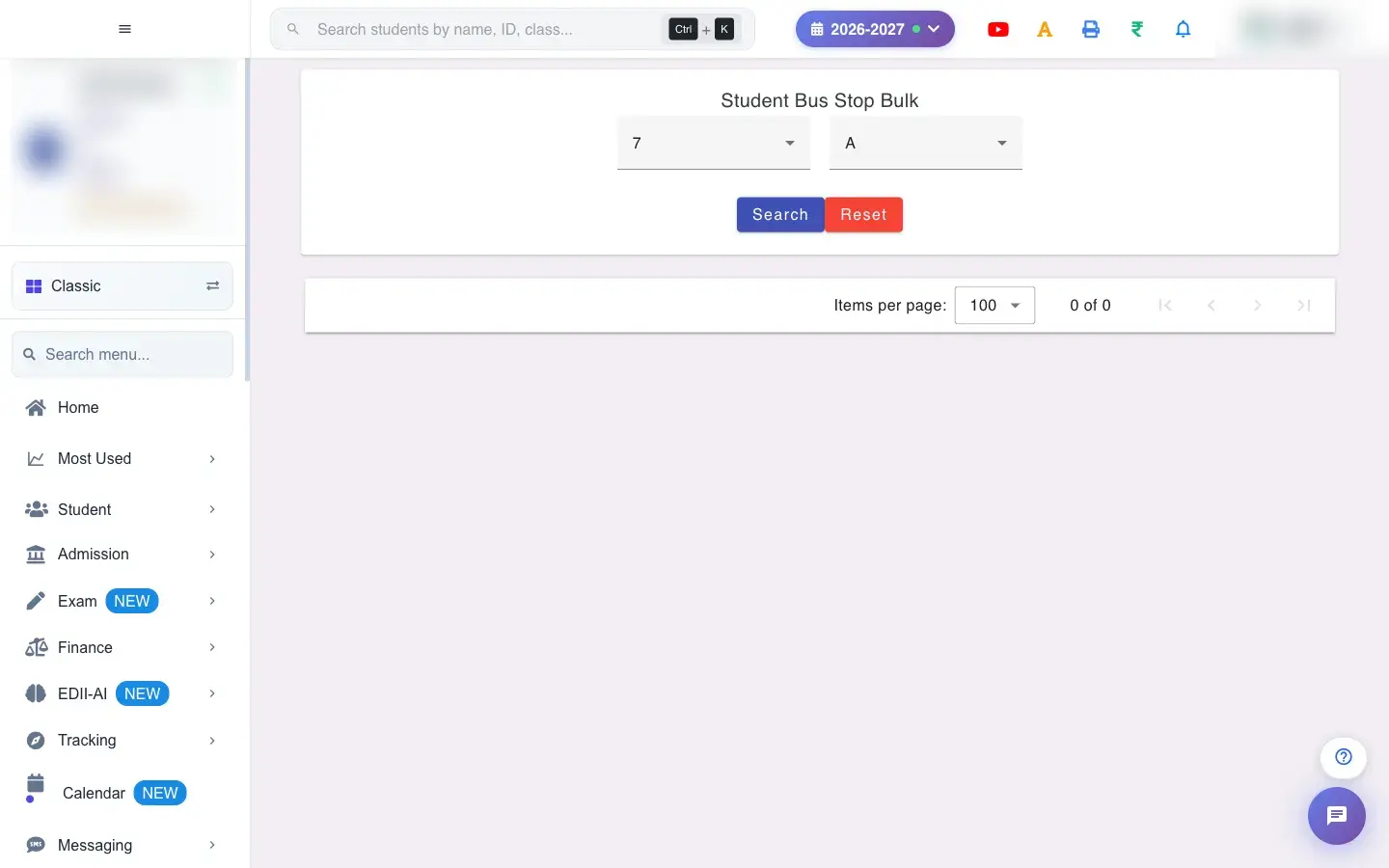
Bus Stop Student Bulk (Tracking › Bus Stop Student Bulk) lists the students of a class and section with Bus Stop/Route, Month-Year, Amount and Frequency (for example monthly). Choose the class and section, press Search, set each student’s stop, the starting month, the amount and frequency, and select Add (Transport Details added!). Delete removes a student’s bus fees (Bus fees deleted for …).
Before you start
Section titled “Before you start”- Add the routes and stops first in Bus Stop.
1. Open the class
Section titled “1. Open the class”Choose the Class and Section and press Search.
 Open a bigger pictureतस्वीर बड़ी करें
2. Set the stop and fare
Section titled “2. Set the stop and fare”For each student pick the stop, the first month, the amount and how often it is charged.
3. Save
Section titled “3. Save”Select Add. Transport Details added! confirms it.
Full details of this screen Assign bus stops to students
What happens next
Section titled “What happens next”- The bus fee is added to each student’s fees from the chosen month and the student appears in the Bus Report.
Good to know
Section titled “Good to know”- Routes and stops must exist first.
Stuck? Try this
Section titled “Stuck? Try this”| You see | Why | What to do |
|---|---|---|
| Fare not in fees | The month chosen is later. | Set the right month and save again. |
Did this page help?क्या इस पेज से मदद मिली?
Thanks! Glad it helped.धन्यवाद! अच्छा लगा कि काम बन गया।
Sorry about that. Ask in your own words, or write to us.माफ़ कीजिए। अपने शब्दों में पूछें, या हमें लिखें।