
Screen guide · Teacher app
My Day (full view)
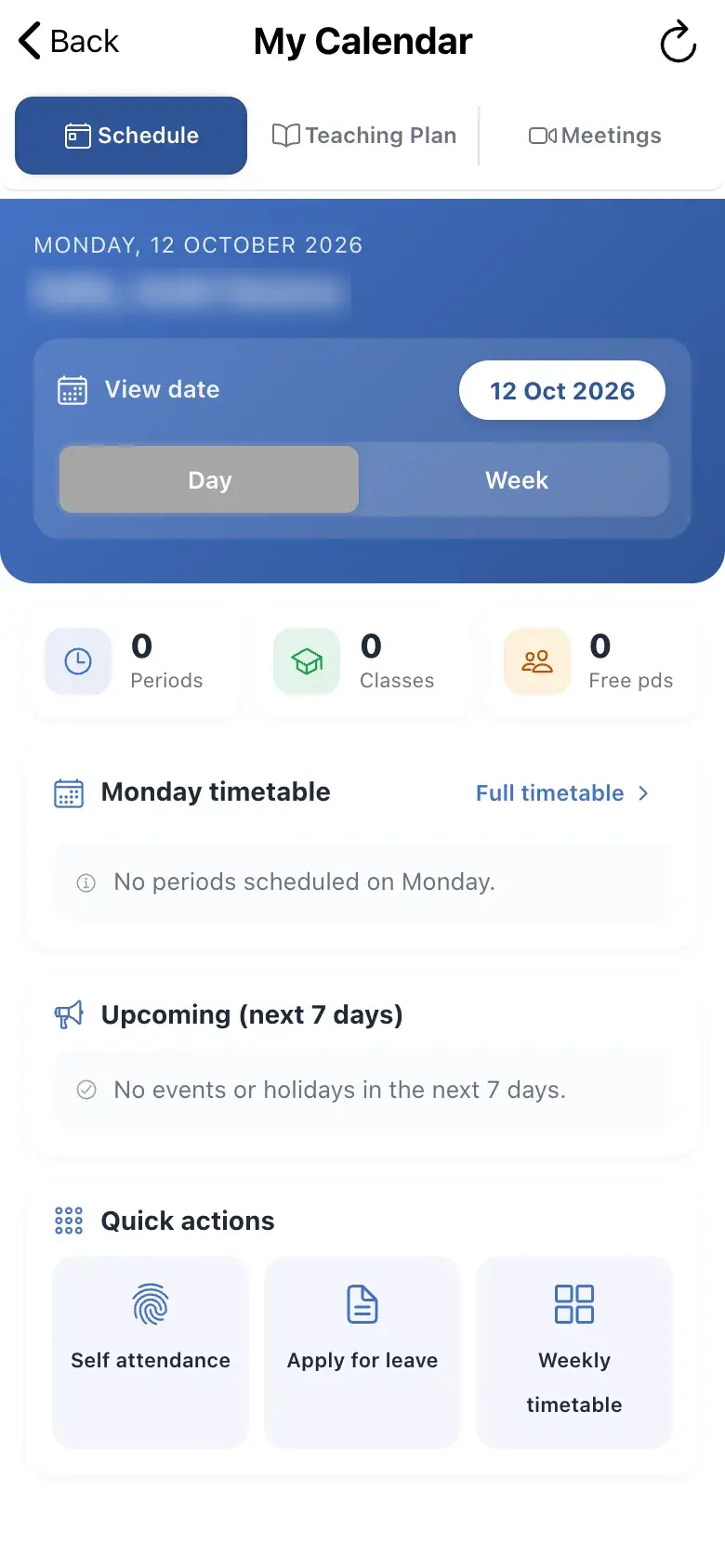
Your personal day: today's periods, weekly timetable, teaching plan, meetings, cover (free-period) assignments, events and quick actions.
यह पेज अंग्रेज़ी में है। कुछ समझ न आए तो ।
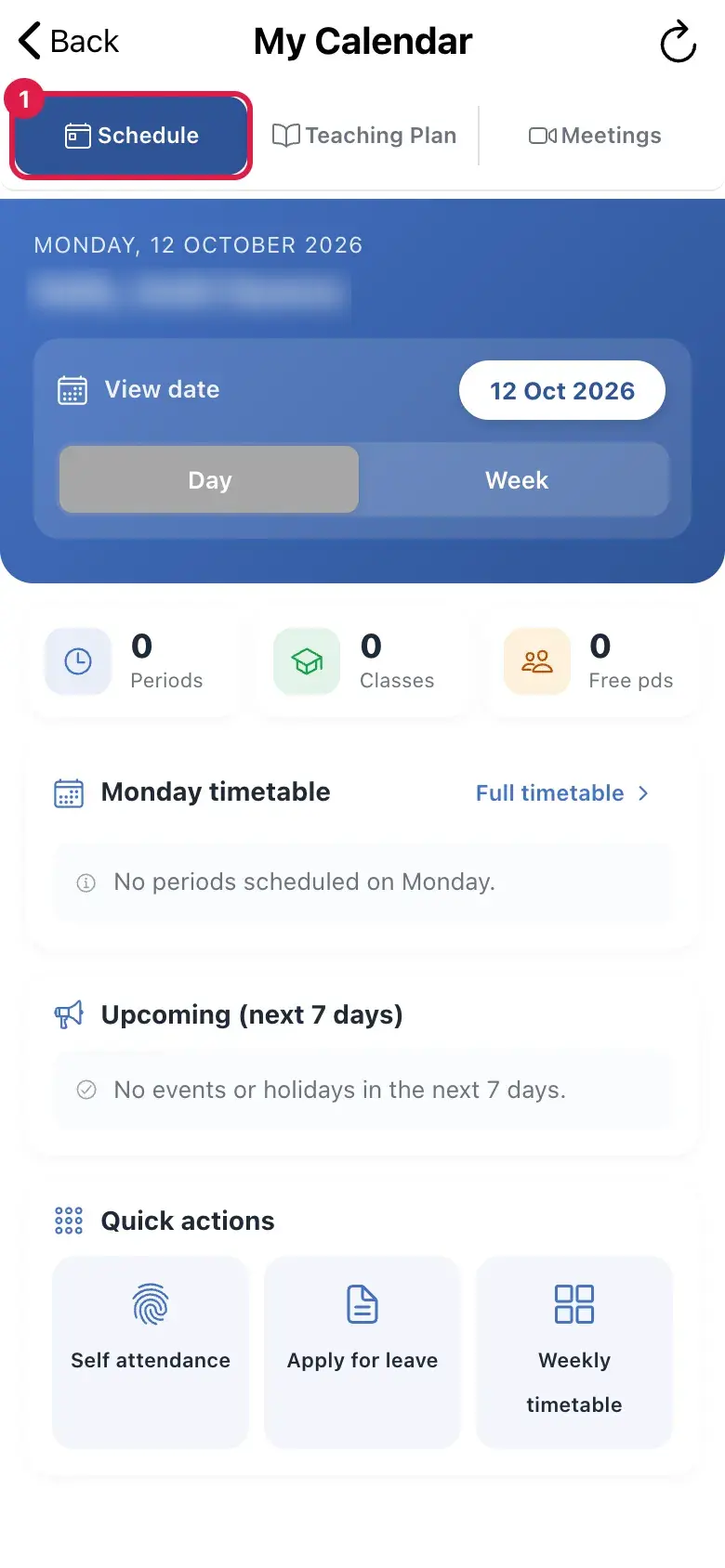
My Day has three tabs: Schedule, Teaching Plan and Meetings. Schedule shows TODAY and your weekly timetable (switch Day / Week), Free-period assignments (YOU ARE COVERING marks a period you picked up; REASSIGNED OUT marks one taken off you, with Covering for / Will be taken by), Upcoming (next 7 days) events (No events or holidays in the next 7 days. when clear) and Quick actions: Self attendance and Apply for leave. Full timetable and Ask EDII to plan my day are shortcuts.
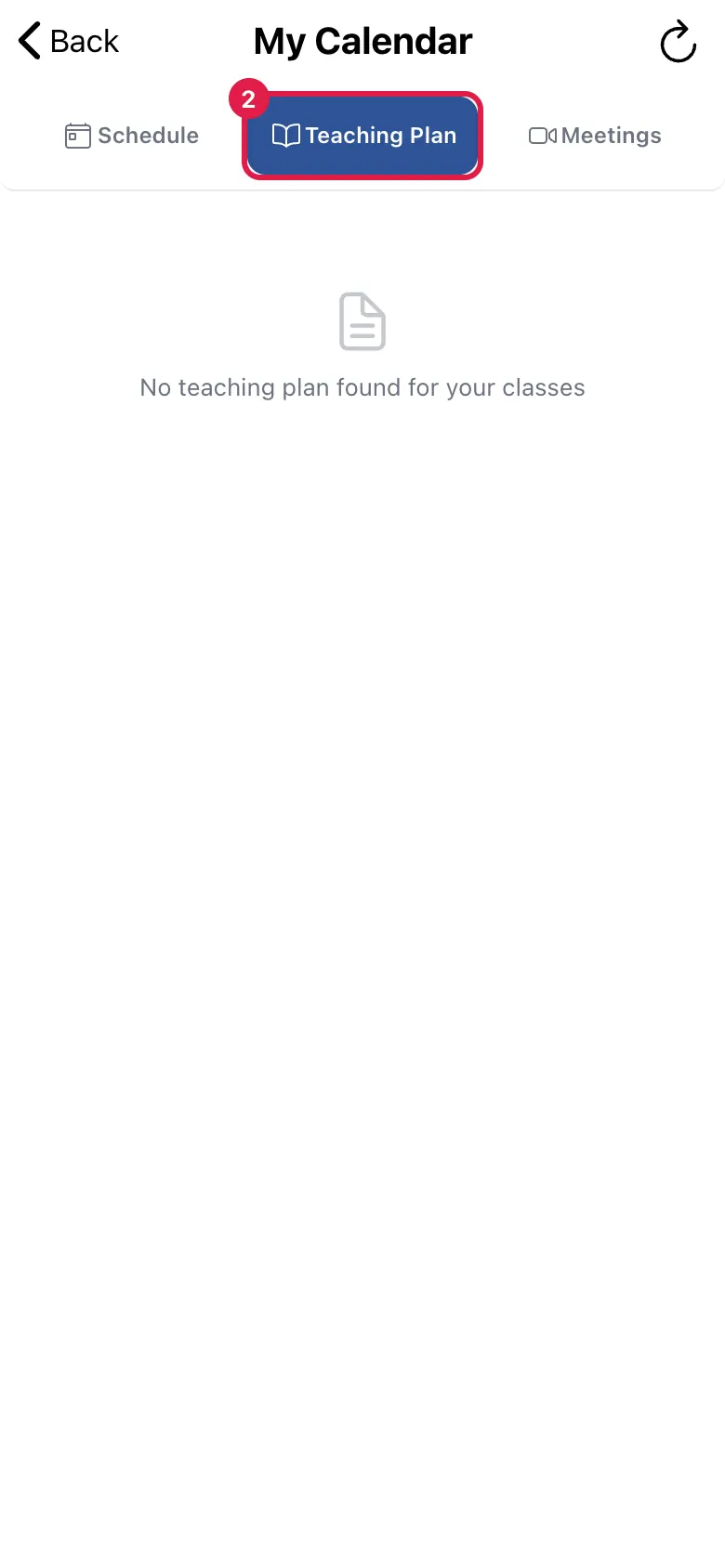
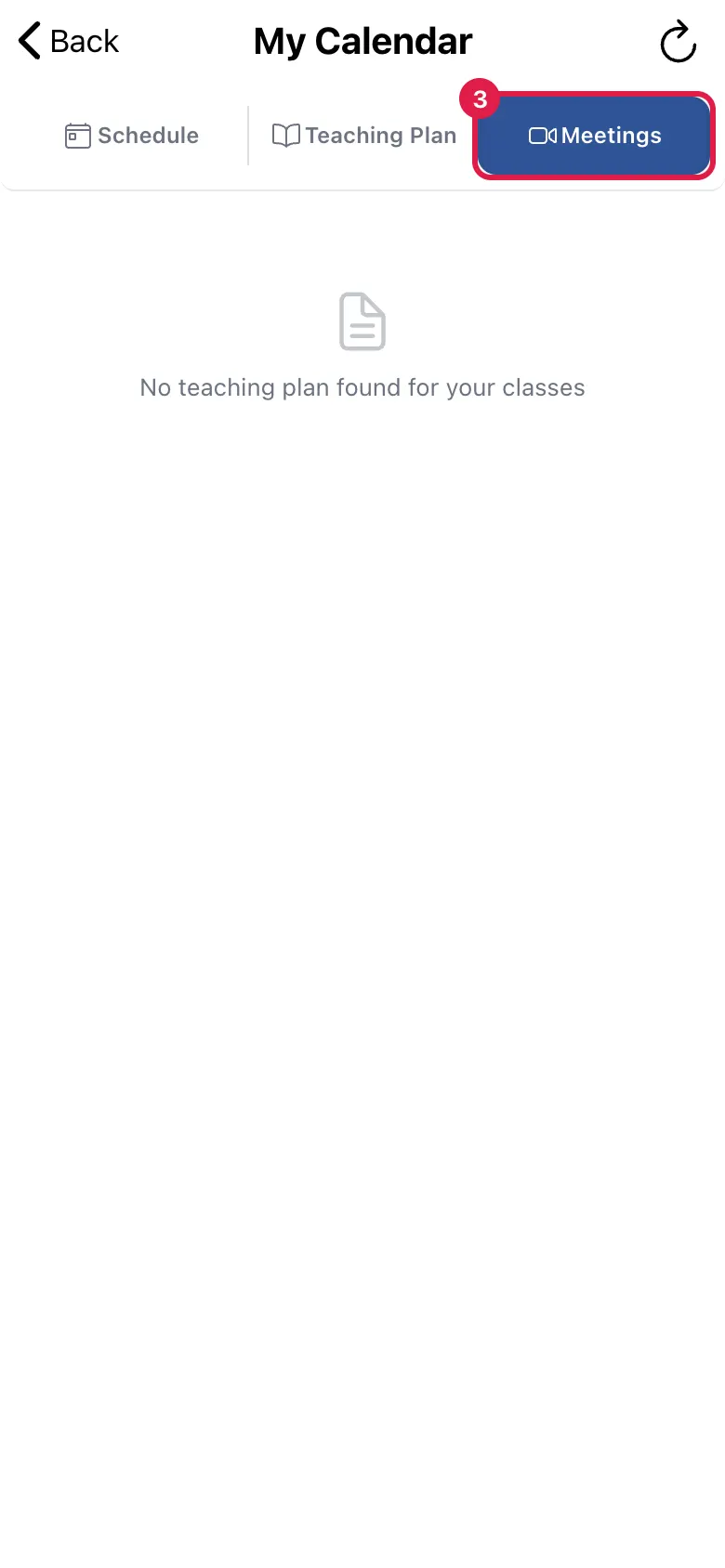
Teaching Plan lists the topics planned for the week by subject (Pending, In Progress, Completed, Skipped), or No teaching plan found for your classes. Meetings lists your scheduled meetings with Start and End (Scheduled Meetings — View and manage all your meetings); search them with Search meetings….
Teacher leave is not yet applied for inside the app: Apply for leave says Teacher leave requests are not available in this app yet. Please contact the school office to apply for leave.
Who uses it and when
Section titled “Who uses it and when”Teachers, daily.
Before you start
Section titled “Before you start”- The school must have set your timetable and teaching plan.
Where to find it
Section titled “Where to find it”- Choose My Day in the bottom bar, or the My Day tile on Home.
 Open a bigger pictureतस्वीर बड़ी करें
Step by step
Section titled “Step by step”1. See today
Section titled “1. See today”Open Schedule to see today’s periods.
 Open a bigger pictureतस्वीर बड़ी करें
2. See the teaching plan
Section titled “2. See the teaching plan”Open Teaching Plan for this week’s topics.
 Open a bigger pictureतस्वीर बड़ी करें
3. See meetings
Section titled “3. See meetings”Open Meetings; use Start to begin one.
 Open a bigger pictureतस्वीर बड़ी करें
Buttons
Section titled “Buttons”| Button | What it does | What happens next |
|---|---|---|
| Start / End (meeting) | Starts or ends a meeting. | Start asks Are you sure you want to start this meeting now?; End asks to confirm and cannot be undone. |
| Self attendance | Opens your own punch in or out. | My Attendance opens. |
| Apply for leave | Explains how to apply. | A message says to contact the school office. |
After you save
Section titled “After you save”- This screen only shows information.
Messages you may see
Section titled “Messages you may see”| Message | What it means | What to do |
|---|---|---|
| No Meetings | You have not scheduled any. | Use Add Meeting. |
| No teaching plan found for your classes | No plan set. | Ask the school. |
| No subjects scheduled for this week | Your timetable is empty. | Ask the timetable coordinator. |
| Meeting End! | The meeting ended. | Nothing to do. |
| Not allowed | You cannot start this meeting. | Only the host can start it. |
- Check cover assignments every morning: a period reassigned to you shows only here.
Stuck? Try this
Section titled “Stuck? Try this”| Problem | Likely cause | What to do |
|---|---|---|
| My timetable is empty | The school has not published it. | Ask the school. |
Did this page help?क्या इस पेज से मदद मिली?
Thanks! Glad it helped.धन्यवाद! अच्छा लगा कि काम बन गया।
Sorry about that. Ask in your own words, or write to us.माफ़ कीजिए। अपने शब्दों में पूछें, या हमें लिखें।