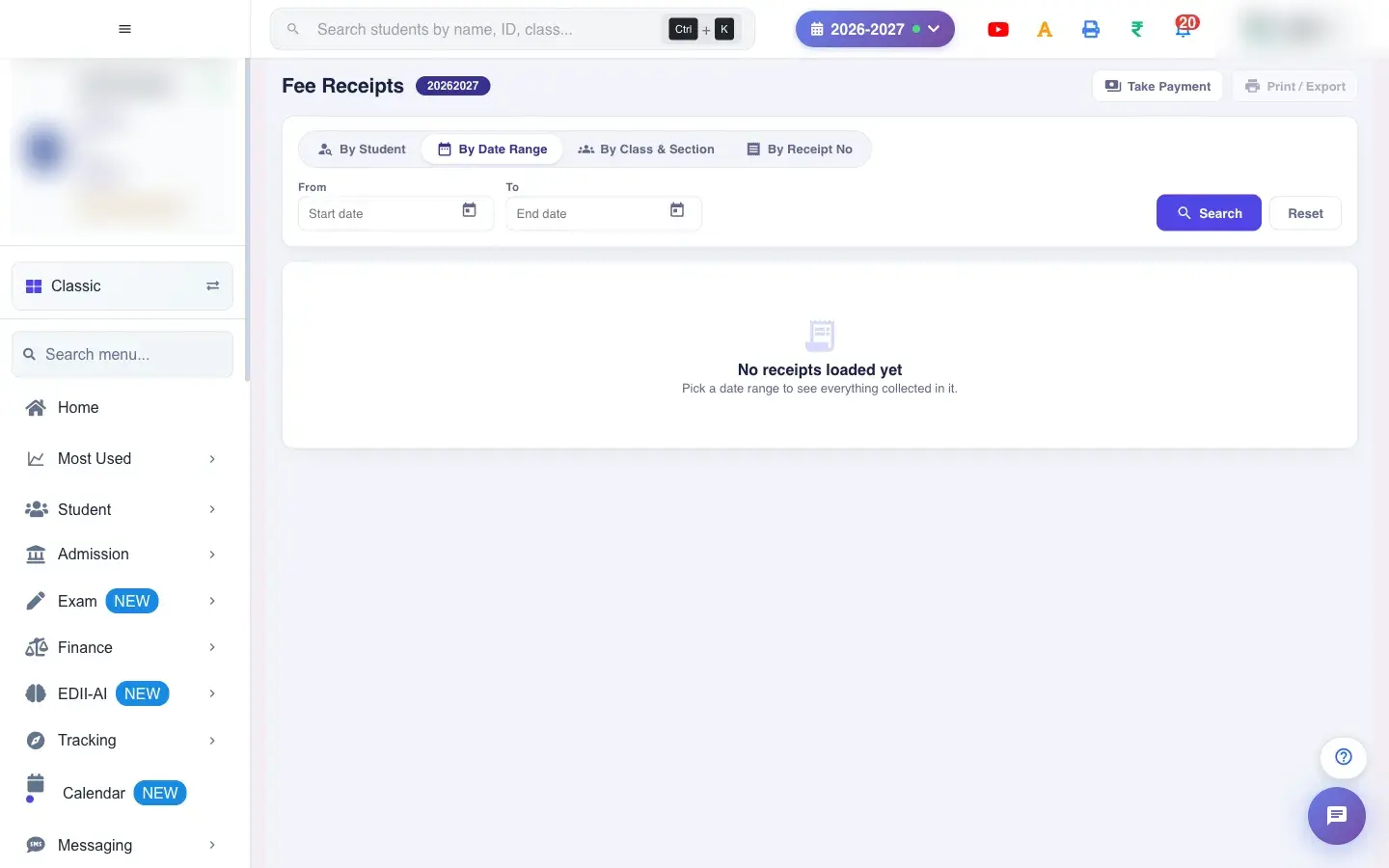
This address opens the same Fee Receipts screen as Finance › Fee Receipts. The By Date Range tab is ready for you: pick From and To, press Search, and every receipt collected in that period appears with Total Collected. The other tabs (By Student, By Class & Section, By Receipt No) work exactly as on the Fee Receipts page.
Also searched as: fee report, collection report, fee receipts, search receipt, reprint receipt, receipt number search, fee receipt list, receipt dhundo, duplicate receipt, fees, fee jama, fees bharna, baki fees, shulk, fees kaise jama kare, report, riport, आज का फ़ीस कलेक्शन, आज का फीस कलेक्शन, आज की फ़ीस वसूली, आज की फीस वसूली, फ़ीस रिपोर्ट, फीस रिपोर्ट, आज कितनी फ़ीस आई, आज कितनी फीस आई, फ़ीस कलेक्शन, फीस कलेक्शन
Searching and viewing change nothing. Deleting a receipt cancels that payment and the fees become due again; deleted receipts are kept in Deleted Receipts.

 Open a bigger pictureतस्वीर बड़ी करें