Skip to content
This guide is about the older EDII web app. Using school.edii.in? Open the school.edii.in help.
Help homeहेल्प होम

How-to · Web app

Give a concession or discount

फ़ीस में छूट दें

Create a discount and apply it to students.

1 step1 स्टेप

यह पेज अंग्रेज़ी में है। कुछ समझ न आए तो ।

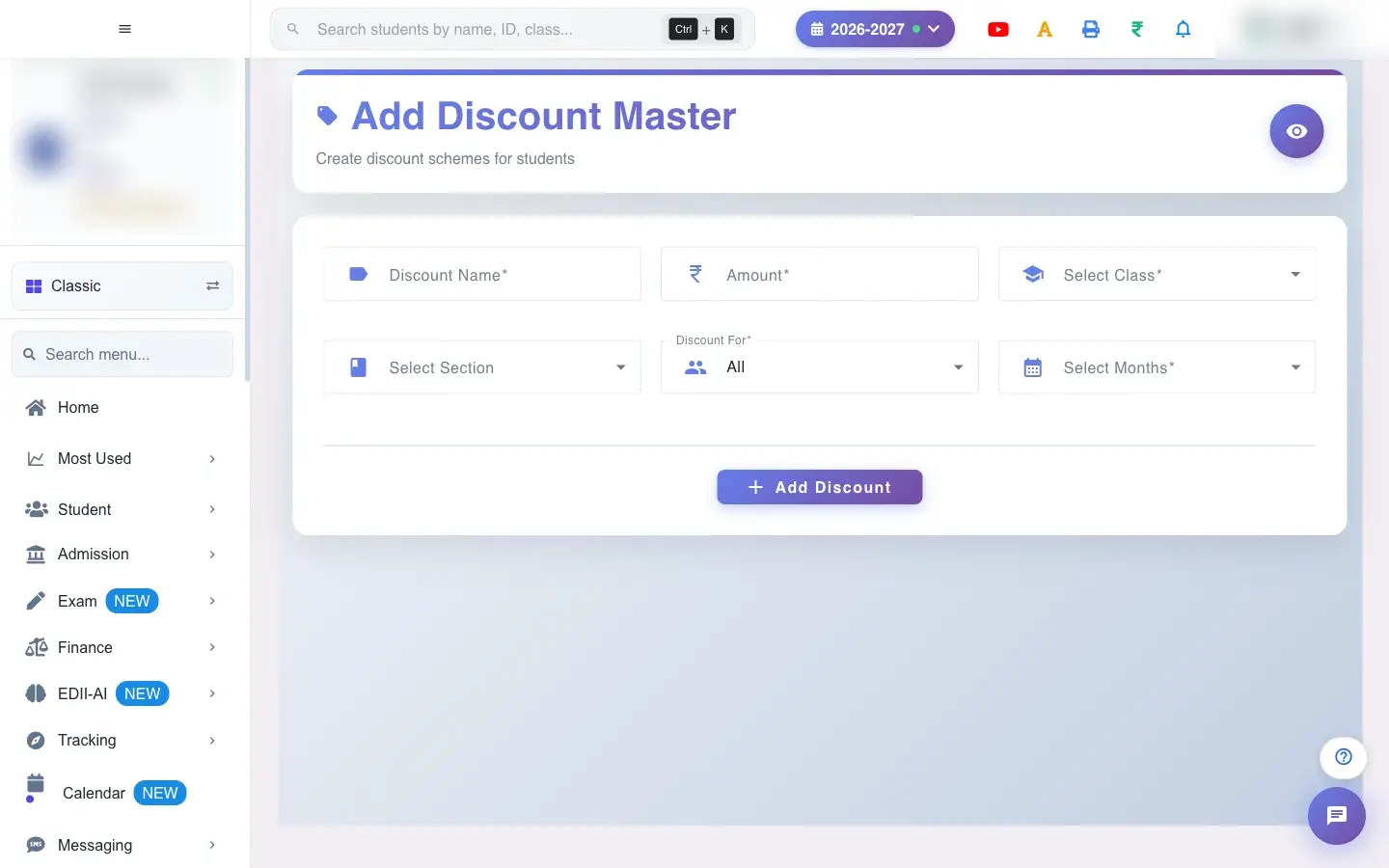
Add Discount Master (Finance › Add) defines a discount scheme such as Staff Child 10% or Scholarship. You give it a name and an amount, say which class and months it applies to, and whether it is for all students of that class or only students you choose.

  • Know the amount in rupees, the class, the months, and (for selected students) who gets it.
  1. Open the screen from the menu.

    Open the screenOpen a bigger pictureतस्वीर बड़ी करें
    Full details of this screen Give a concession or discount
  • The discount is stored and applied to the chosen students and months, lowering their fees due.
  • It appears in the discount list, where it can be edited or deleted.
  • Name, a valid amount, class, Discount For and months are required.
  • Selected discounts apply only to the students you add.
You see Why What to do
Fees did not go down The student or month is not covered by the discount. Open the discount list and check class, months and students.

Did this page help?क्या इस पेज से मदद मिली?

Ask EDIIEDII से पूछें

Ask in English, Hindi or Hinglish. Answers come only from these help pages.English, हिंदी या Hinglish में पूछें। जवाब सिर्फ़ इन्हीं हेल्प पेजों से आते हैं।

Try askingऐसे पूछकर देखें