
Screen guide · Admin app
All insights
Every AI insight about the school: morning brief, daily briefing, trends, anomalies, compare, students at risk, dropout risk, Ask EdiiBrain, teacher performance and parent insights.
यह पेज अंग्रेज़ी में है। कुछ समझ न आए तो ।
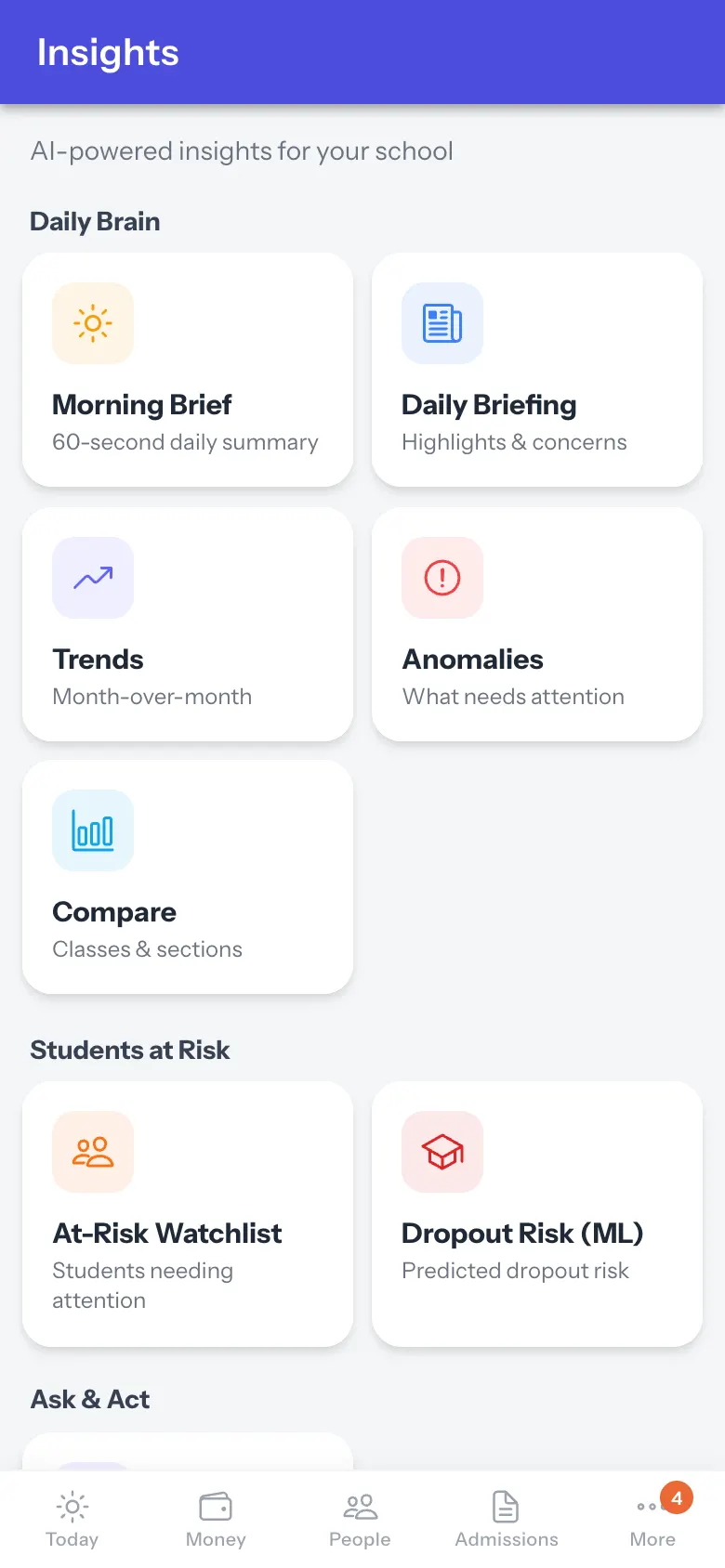
Insights (AI-powered insights for your school) groups tools: Daily Brain (Morning Brief — a 60-second summary; Daily Briefing — highlights and concerns; Trends — month-over-month; Anomalies — what needs attention; Compare — classes and sections), Students at Risk (At-Risk Watchlist, Dropout Risk (ML)), Ask & Act (Ask EdiiBrain) and Academic & Parent (Teacher Performance, Parent Insights & PTM). Select a card to open it. Insights are generated from the school’s own data and are guidance, not a decision.
Who uses it and when
Section titled “Who uses it and when”Principals.
Before you start
Section titled “Before you start”- Insights improve as attendance, fees and exams data fill in.
Where to find it
Section titled “Where to find it”- Open More › All insights.
 Open a bigger pictureतस्वीर बड़ी करें
Step by step
Section titled “Step by step”1. Pick a tool
Section titled “1. Pick a tool”Select a card.
After you save
Section titled “After you save”- This screen only shows information.
- Start with Morning Brief.
Stuck? Try this
Section titled “Stuck? Try this”| Problem | Likely cause | What to do |
|---|---|---|
| A card says Soon | It is not available yet. | Use another card. |
Did this page help?क्या इस पेज से मदद मिली?
Thanks! Glad it helped.धन्यवाद! अच्छा लगा कि काम बन गया।
Sorry about that. Ask in your own words, or write to us.माफ़ कीजिए। अपने शब्दों में पूछें, या हमें लिखें।