
Screen guide · Teacher app
Self-Learn progress
How your students are getting on with Self-Learn: who is active, stuck or not started, and each student's chapters, quizzes and weak topics.
यह पेज अंग्रेज़ी में है। कुछ समझ न आए तो ।
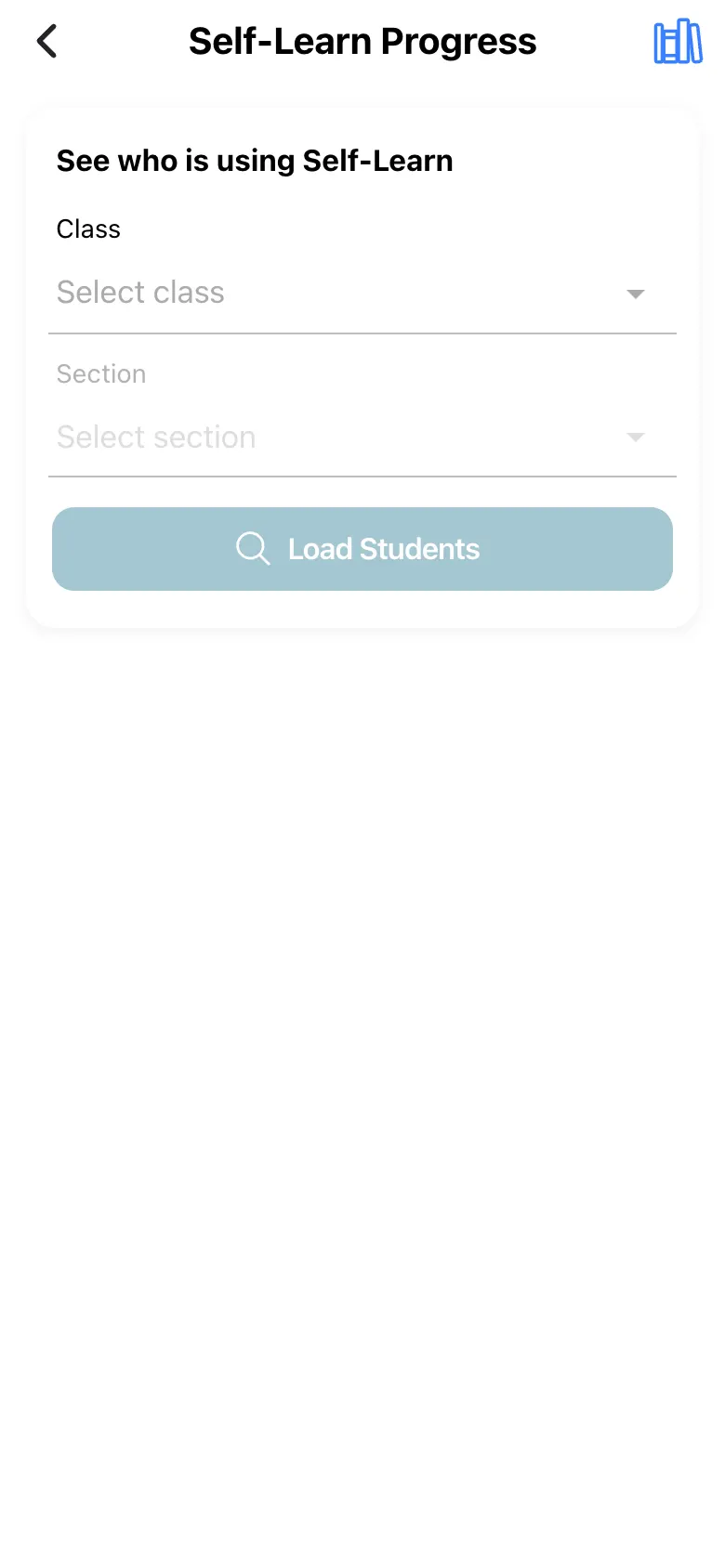
Self-Learn Progress (See who is using Self-Learn): choose Class and Section and select Load Students. Groups All, Active, Stuck and Not started sort the class (tap Load all to categorise everyone). Tap a student for Overall progress, Chapters read, Quizzes taken, Best quiz, Active days, Mastered, Time spent, Strong in, Lagging subjects and Weak topics; Needs a nudge — marks a stuck student and Hasn’t started Self-Learn yet. a new one.
Who uses it and when
Section titled “Who uses it and when”Teachers encouraging self-study.
Before you start
Section titled “Before you start”- Students must use the student app.
Where to find it
Section titled “Where to find it”- Select Self-Learn on Home.
 Open a bigger pictureतस्वीर बड़ी करें
Step by step
Section titled “Step by step”1. Load the class
Section titled “1. Load the class”Choose class and section and select Load Students.
Fields and filters
Section titled “Fields and filters”| Field | What it is | Notes |
|---|---|---|
| Class / Section | Which students. | Required. |
Buttons
Section titled “Buttons”| Button | What it does | What happens next |
|---|---|---|
| Load Students / Load all | Loads the roster and categorises everyone. | Groups fill in. |
After you save
Section titled “After you save”- This screen only shows information.
Messages you may see
Section titled “Messages you may see”| Message | What it means | What to do |
|---|---|---|
| Hasn’t started Self-Learn yet. | No activity. | Encourage the student. |
| No students found | No roster. | Check the class. |
- Message stuck students personally.
Stuck? Try this
Section titled “Stuck? Try this”| Problem | Likely cause | What to do |
|---|---|---|
| Few students show data | They have not used the app. | Encourage them. |
Did this page help?क्या इस पेज से मदद मिली?
Thanks! Glad it helped.धन्यवाद! अच्छा लगा कि काम बन गया।
Sorry about that. Ask in your own words, or write to us.माफ़ कीजिए। अपने शब्दों में पूछें, या हमें लिखें।