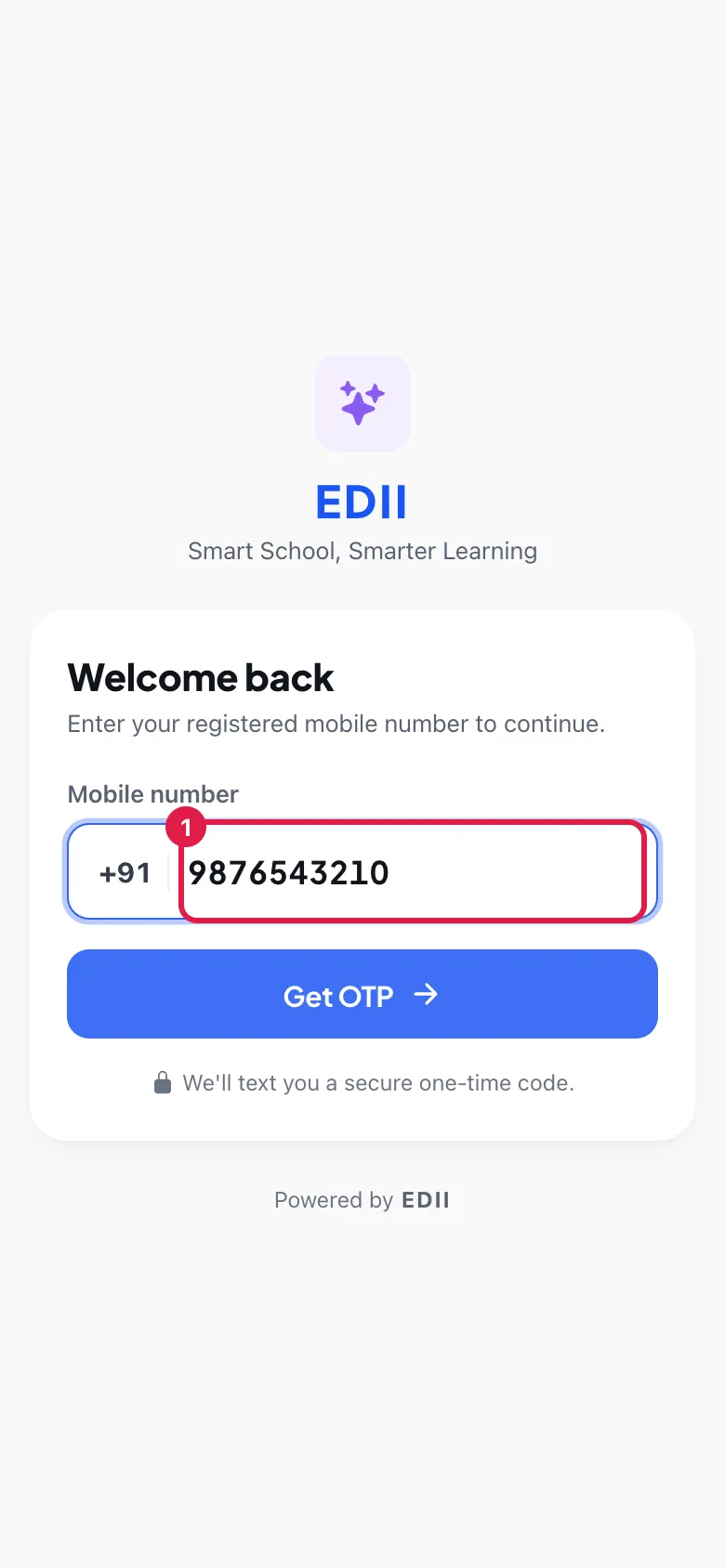
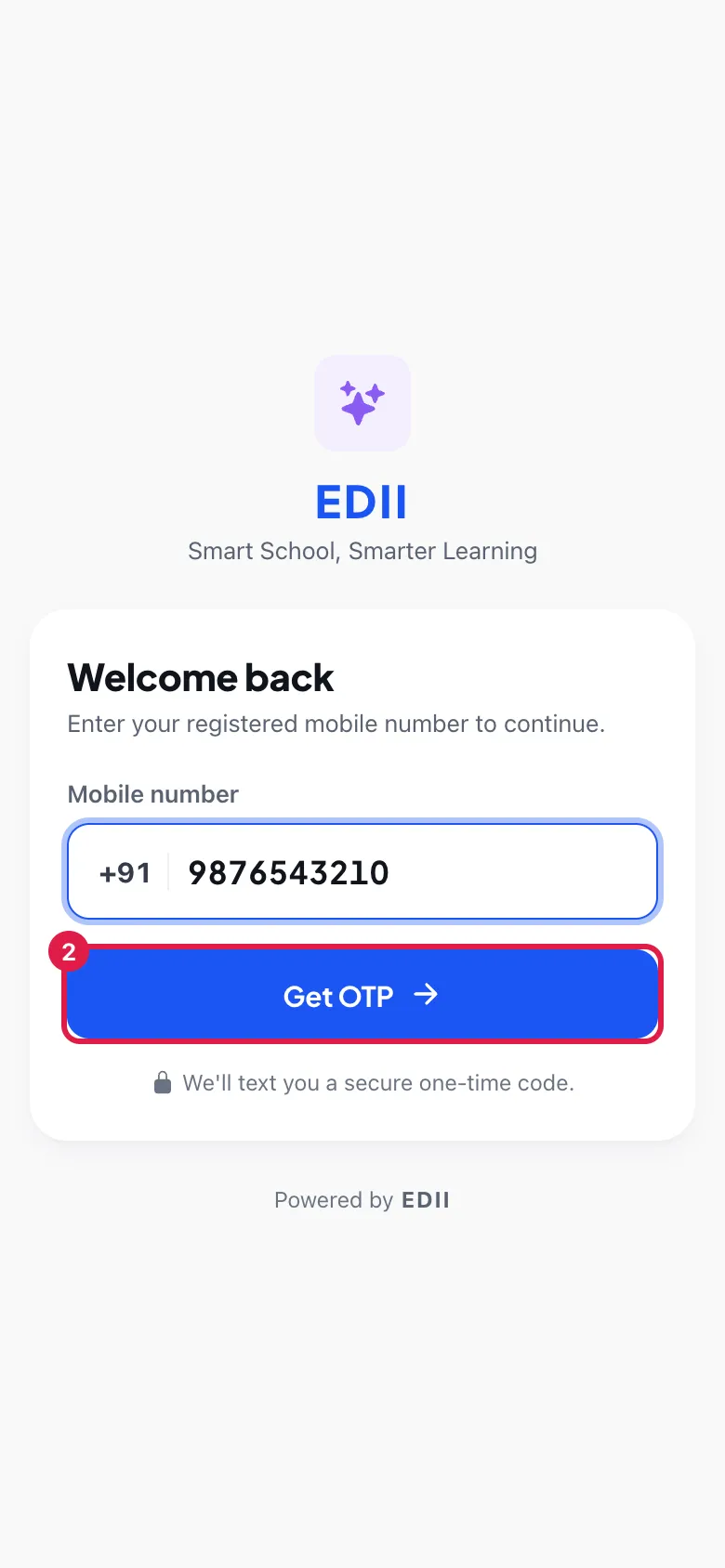
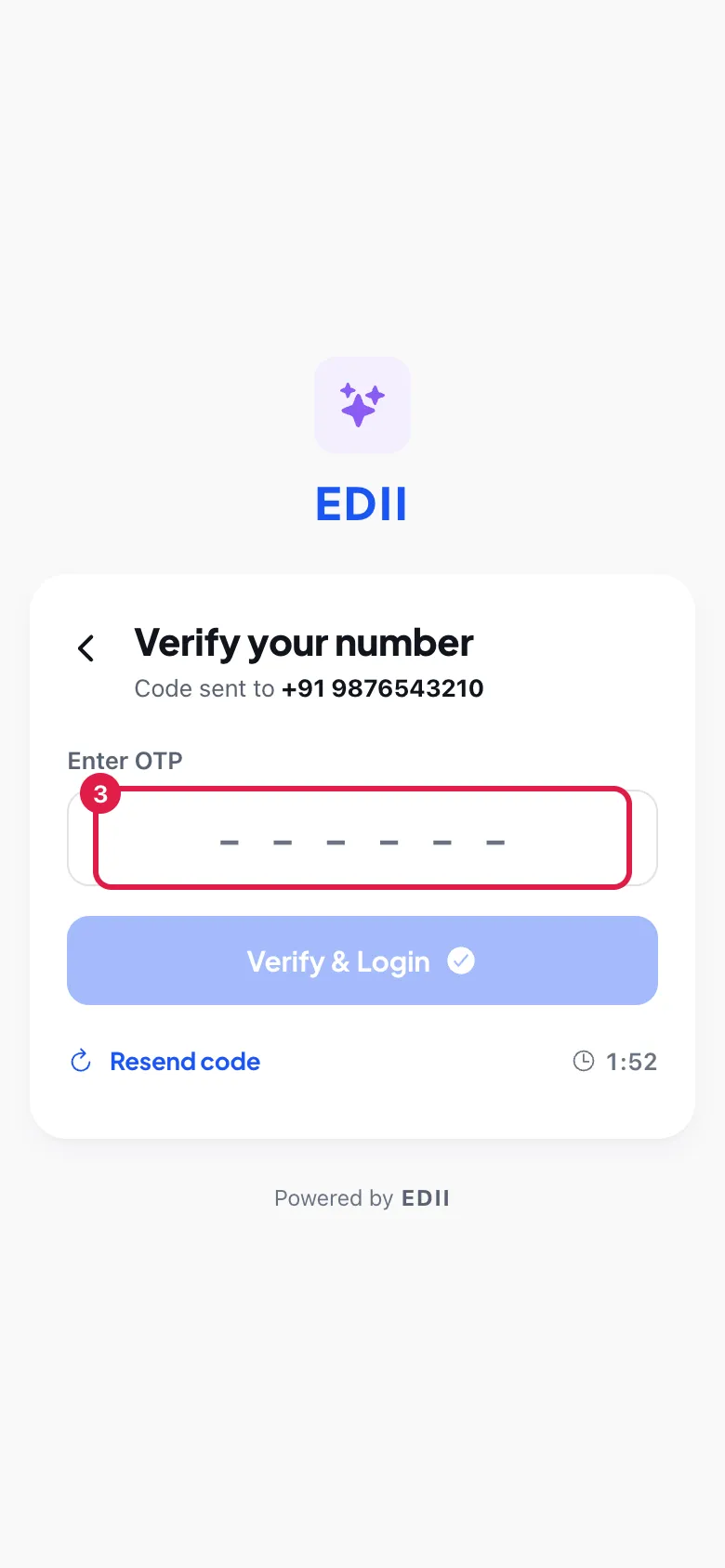
EDII Admin (School Management System) asks for your User ID (in the first box, marked Phone or Email) and Password (use the eye to show the password). LOGIN turns on once both are filled in. Select it. A green Login successful! message confirms it and Today opens. You stay signed in until you log out (More › Settings › LOGOUT). The app version is shown at the bottom.
Also searched as: login, admin app login, principal app, sign in, password bhul gaya, otp nahi aaya, login kaise kare

 Open a bigger pictureतस्वीर बड़ी करें
 Open a bigger pictureतस्वीर बड़ी करें
 Open a bigger pictureतस्वीर बड़ी करें