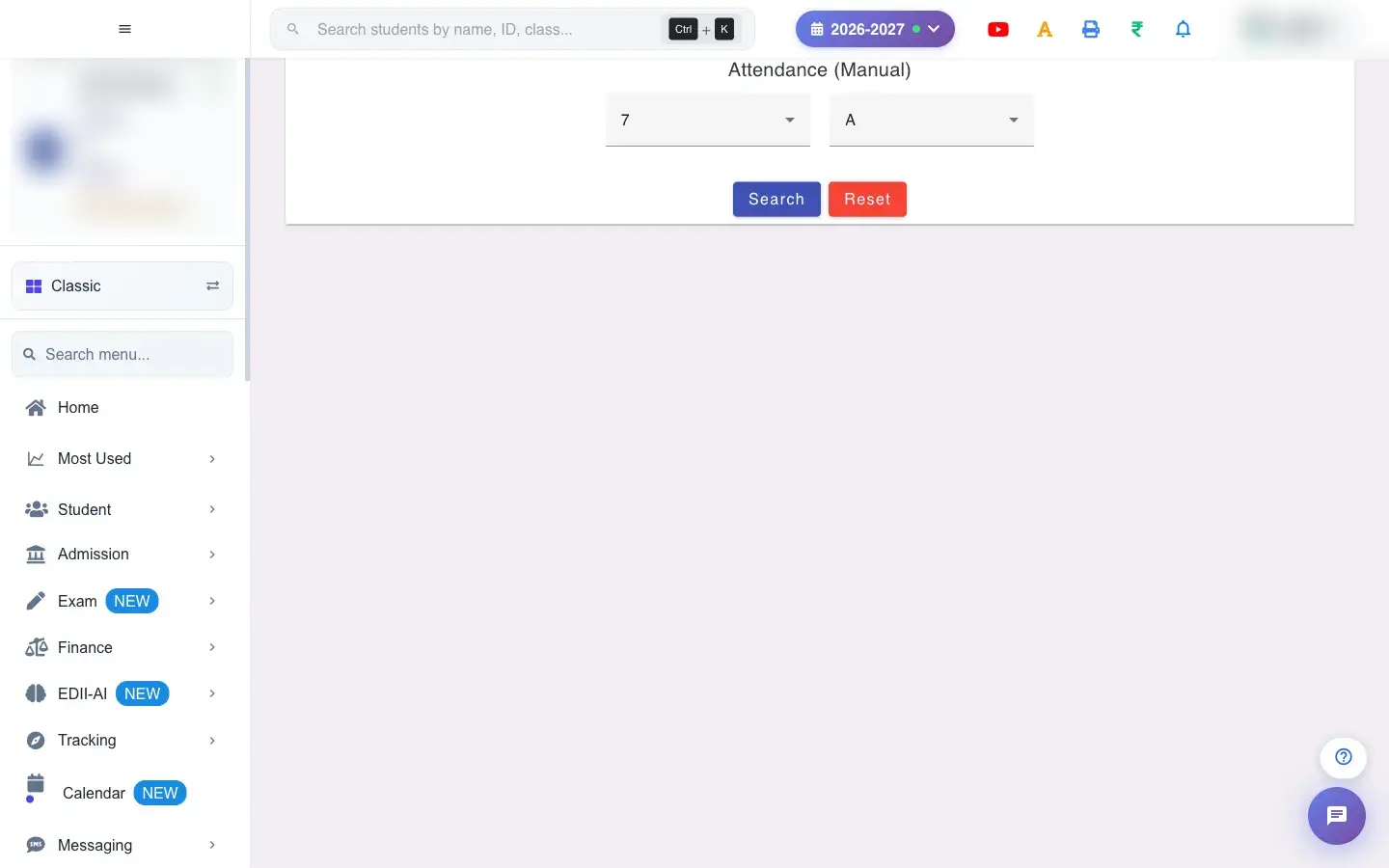
Attendance (Exception) is the table where attendance is entered as numbers instead of daily present/absent marks. Each student has up to six boxes, Attendance 1 to Attendance 6, and a read-only Total Attendance column that adds them up.
Also searched as: manual attendance, term attendance, attendance exception, attendance entry, attendance 1, total attendance, hazri entry, attendance report card, hazri, haziri, upasthiti, absent bacche, pariksha, number, ank, natija
Decide which of the six columns means what for your school (for example Attendance 1 = first term days present) and keep it the same for every class. The screen only stores the numbers; it does not label them.
Your role needs access to attendance entry. If Student › Attendance (Exception) is not in your menu, ask your school admin.
Each time you leave a box, that student’s six values are written to the student’s record for the current session. Nothing else happens: no SMS is sent and no parent is notified.
The numbers are available to the school’s report cards where they use these columns.
Typing a new number in the same box replaces the old one.

 Open a bigger pictureतस्वीर बड़ी करें