
Screen guide · Teacher app
Chapter Library
Read the same AI lessons the Self-Learn app serves, by class and subject, and rate versions so the best one reaches your class.
यह पेज अंग्रेज़ी में है। कुछ समझ न आए तो ।
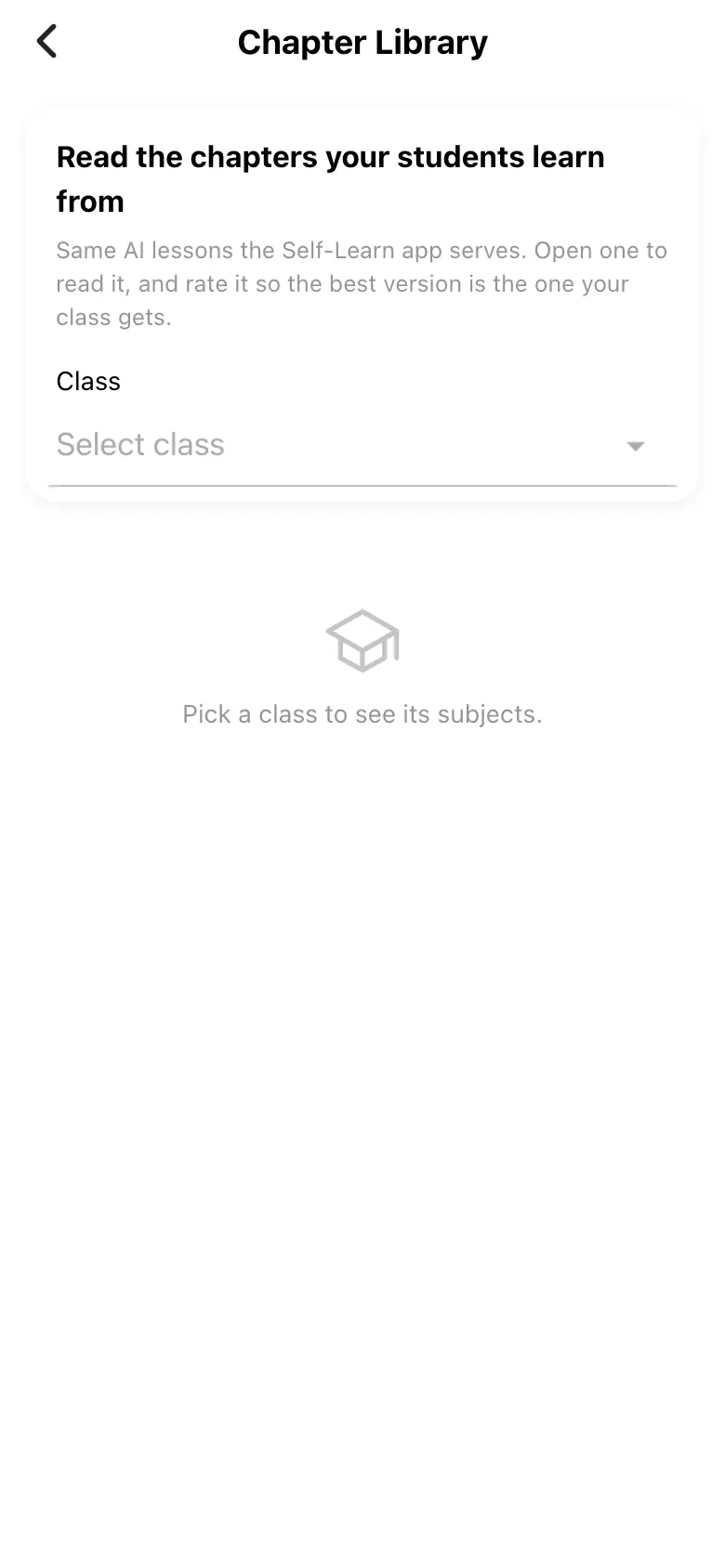
Chapter Library (Read the chapters your students learn from): pick a Class, then a subject, then a chapter. A chapter has tabs Learn, Notes, Q&A, Practice and Versions. Learn shows In short, In this chapter, Quick revision, Key terms, Formulas and key facts, Common mistakes and exam tips, a Concept map and Textbook-style questions. Practice lists questions by Type and Level (Easy, Medium, Hard). Rate a version (Thanks!) so the best is chosen; ask for a new video (EDII will make a new video for this chapter — this takes a few minutes. The current video keeps working until then.). A newer version being written shows A newer version is being written — showing the current one meanwhile.
Who uses it and when
Section titled “Who uses it and when”Teachers preparing lessons.
Before you start
Section titled “Before you start”- Choose a class.
Where to find it
Section titled “Where to find it”- Select Chapter Library on Home.
 Open a bigger pictureतस्वीर बड़ी करें
Step by step
Section titled “Step by step”1. Pick the class
Section titled “1. Pick the class”Choose the class to list its subjects.
Fields and filters
Section titled “Fields and filters”| Field | What it is | Notes |
|---|---|---|
| Class | Which syllabus. | Required. |
Buttons
Section titled “Buttons”| Button | What it does | What happens next |
|---|---|---|
| Make a new video | Asks EDII for a fresh video. | Video requested. |
After you save
Section titled “After you save”- This screen only shows information.
Messages you may see
Section titled “Messages you may see”| Message | What it means | What to do |
|---|---|---|
| Pick a class to see its subjects. | No class chosen. | Choose one. |
| No chapters | None listed for the subject. | Pick another subject. |
| Writing this chapter | The lesson is being prepared. | Wait. |
| Version unavailable | That version is not available. | Pick another. |
- Read the chapter before you assign homework on it.
Stuck? Try this
Section titled “Stuck? Try this”| Problem | Likely cause | What to do |
|---|---|---|
| A video does not play | It failed to load. | Try again (Playback failed). |
Did this page help?क्या इस पेज से मदद मिली?
Thanks! Glad it helped.धन्यवाद! अच्छा लगा कि काम बन गया।
Sorry about that. Ask in your own words, or write to us.माफ़ कीजिए। अपने शब्दों में पूछें, या हमें लिखें।