
Help homeहेल्प होम
Screen guide · Admin app
Daily Briefing
An AI-written briefing for today: highlights, concerns and action items in plain language.
1 step1 स्टेप
यह पेज अंग्रेज़ी में है। कुछ समझ न आए तो ।
Daily Briefing (As of <date>) reads Good morning. Here is your school briefing for <day> with Highlights, Concerns and Action items, using today’s attendance, staff and fee figures. If none: No briefing available right now. Pull down to refresh.
Who uses it and when
Section titled “Who uses it and when”Principals.
Before you start
Section titled “Before you start”- Data must be recorded for today.
Where to find it
Section titled “Where to find it”- Open More › All insights › Daily Briefing.
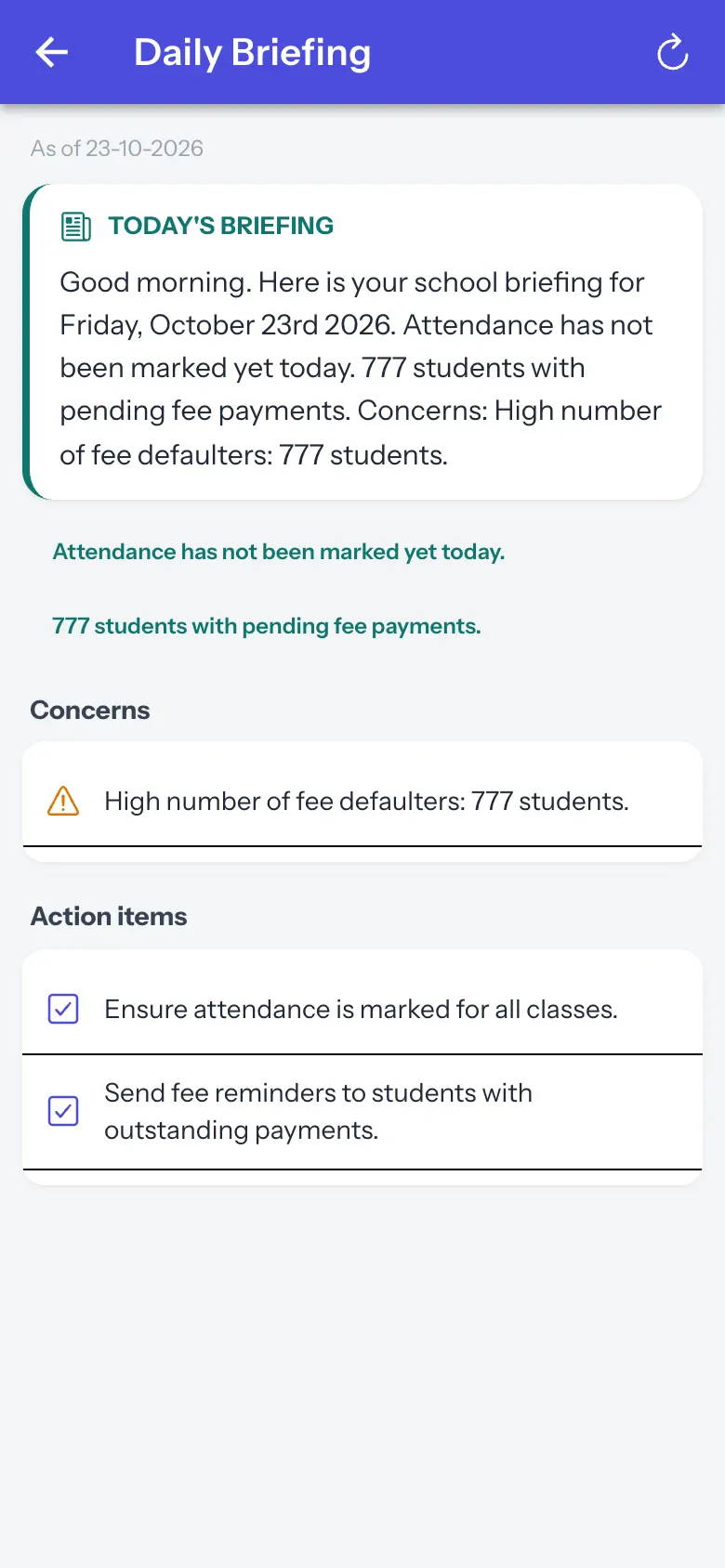 Open a bigger pictureतस्वीर बड़ी करें
Step by step
Section titled “Step by step”1. Read the briefing
Section titled “1. Read the briefing”Scan highlights, concerns and actions.
After you save
Section titled “After you save”- This screen only shows information.
Messages you may see
Section titled “Messages you may see”| Message | What it means | What to do |
|---|---|---|
| No briefing available right now. Pull down to refresh. | Not ready. | Pull down. |
- Check staff attendance concerns before the first period.
Stuck? Try this
Section titled “Stuck? Try this”| Problem | Likely cause | What to do |
|---|---|---|
| 12 teachers absent | Staff attendance is not marked yet. | Check the staff attendance records. |
Did this page help?क्या इस पेज से मदद मिली?
Thanks! Glad it helped.धन्यवाद! अच्छा लगा कि काम बन गया।
Sorry about that. Ask in your own words, or write to us.माफ़ कीजिए। अपने शब्दों में पूछें, या हमें लिखें।