Skip to content
This guide is about the older EDII web app. Using school.edii.in? Open the school.edii.in help.
Help homeहेल्प होम

How-to · Web app

Set up bus routes, stops and fares

बस रूट और किराया सेट करें

Create routes, stops and fares.

1 step1 स्टेप

यह पेज अंग्रेज़ी में है। कुछ समझ न आए तो ।

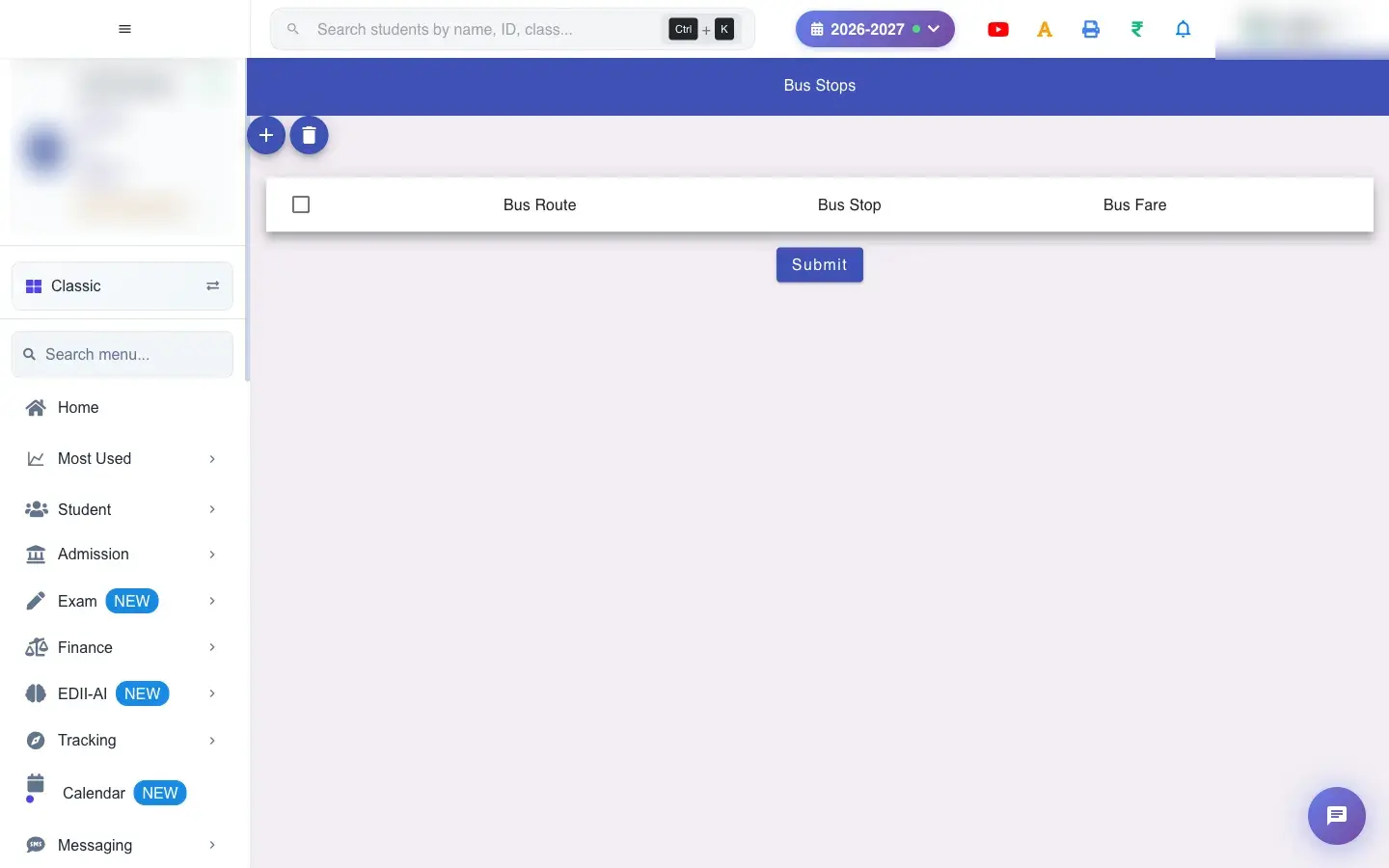
Bus Stop (Tracking › Bus Stop) lists Bus Route, Bus Stop and Bus Fare. Add or change rows and select Submit to save (Bus Stops Have Been Modified). To remove a stop, delete the row and then select Submit (Now Click on Submit to delete permanently).

  • Know each route, its stops and the fare.
  1. Open the screen from the menu.

    Open the screenOpen a bigger pictureतस्वीर बड़ी करें
    Full details of this screen Set up bus routes, stops and fares
  • Students can then be assigned these stops, and fares follow them.
  • Deleted rows are removed only after Submit.
You see Why What to do
A deleted stop is still there Submit was not pressed. Select Submit.

Did this page help?क्या इस पेज से मदद मिली?

Ask EDIIEDII से पूछें

Ask in English, Hindi or Hinglish. Answers come only from these help pages.English, हिंदी या Hinglish में पूछें। जवाब सिर्फ़ इन्हीं हेल्प पेजों से आते हैं।

Try askingऐसे पूछकर देखें