
Screen guide · Web app
Homework
See the homework given to a class and section over a date range, view attached images and export.
यह पेज अंग्रेज़ी में है। कुछ समझ न आए तो ।
Homework (Student › View) shows homework for a Class, Section and date range (From, To). Press Show homework. Each row has actions to View Images (No Picture uploaded for this homework if none), edit, evaluate or delete. Add Homework opens the form; Print and Export CSV produce paper and a file. Before you choose a class it says Pick a class to see its homework.
Who uses it and when
Section titled “Who uses it and when”Teachers and the office review homework.
Before you start
Section titled “Before you start”- Choose a class and a date range.
Where to find it
Section titled “Where to find it”- Menu: Student › View
- Address:
/view/view-homework - If it is missing from your menu, your role does not include it. Ask your school admin.
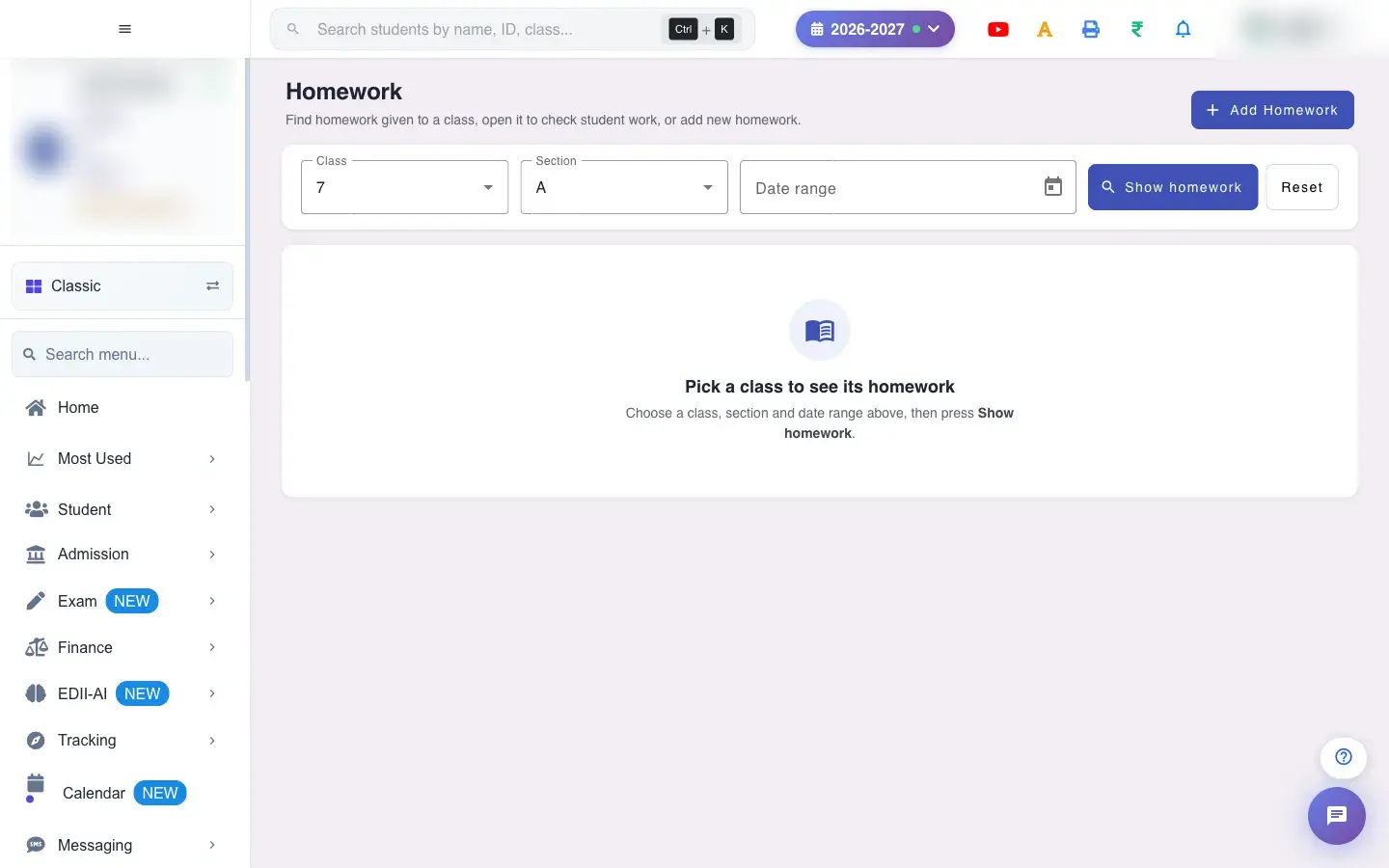 Open a bigger pictureतस्वीर बड़ी करें
With data
Section titled “With data”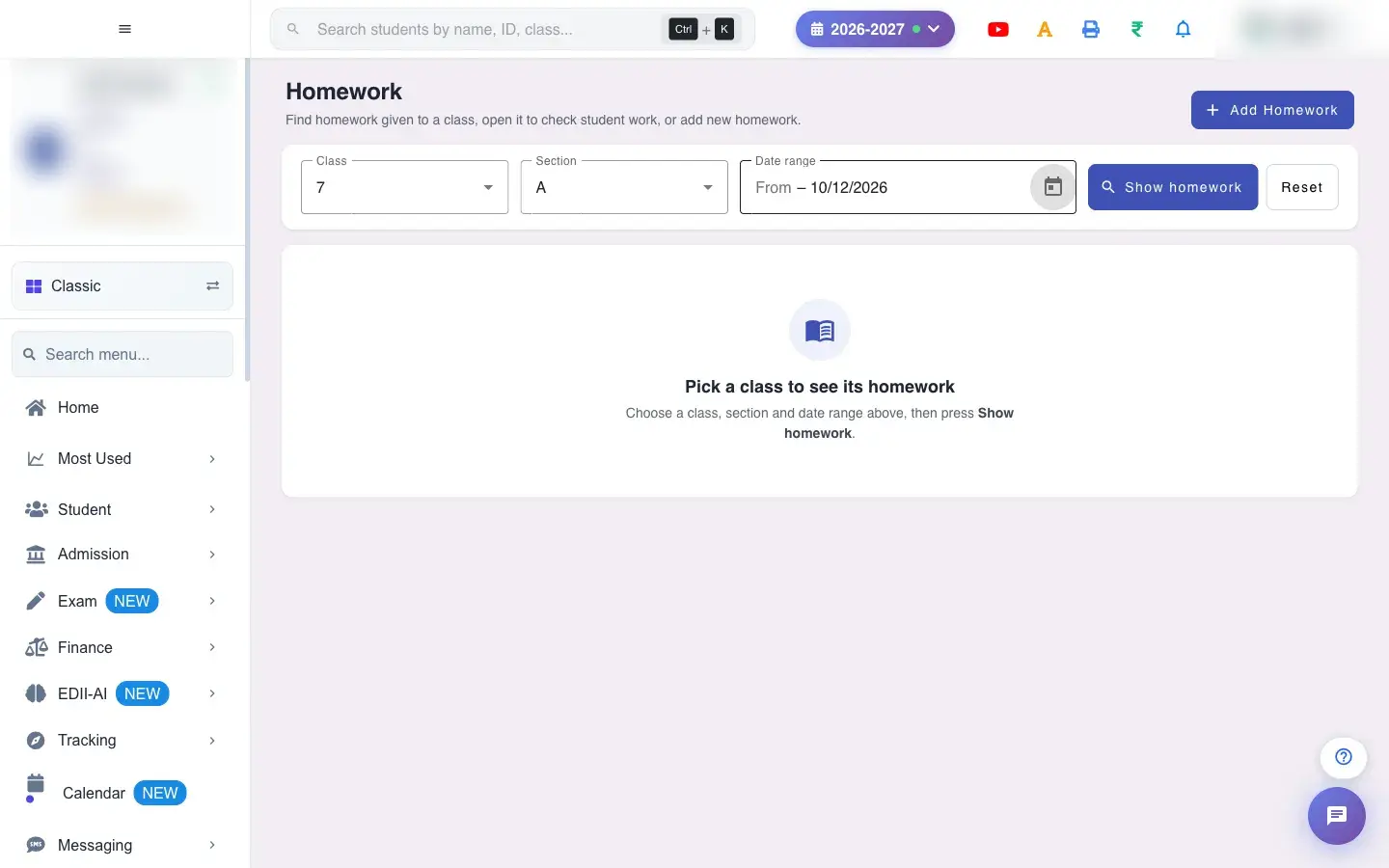 Open a bigger pictureतस्वीर बड़ी करें
Fields and filters
Section titled “Fields and filters”| Field | What it is | Notes |
|---|---|---|
| Class / Section | Which homework. | Required. |
| From / To | Date range. | Required. |
Buttons
Section titled “Buttons”| Button | What it does | What happens next |
|---|---|---|
| Show homework | Loads the homework. | The list appears. |
| View Images | Opens attached pictures. | A viewer opens. |
| Add Homework | Opens the add form. | You leave this screen. |
After you save
Section titled “After you save”- This screen only reads data; edit and delete change the homework.
Good to know
Section titled “Good to know”- Class and dates are needed to show homework.
Messages you may see
Section titled “Messages you may see”| Message | What it means | What to do |
|---|---|---|
| No Picture uploaded for this homework | No images. | Nothing to do. |
| Network Issue, Please Try Again. | A request failed. | Try again. |
- Check the date range if homework seems missing.
Stuck? Try this
Section titled “Stuck? Try this”| Problem | Likely cause | What to do |
|---|---|---|
| List is empty | No homework in the range. | Widen the dates. |
Did this page help?क्या इस पेज से मदद मिली?
Thanks! Glad it helped.धन्यवाद! अच्छा लगा कि काम बन गया।
Sorry about that. Ask in your own words, or write to us.माफ़ कीजिए। अपने शब्दों में पूछें, या हमें लिखें।