
Screen guide · Teacher app
Portfolio Review
See projects, artwork and reflections that families shared with teachers from My Year, mark them seen or send them back with a note.
यह पेज अंग्रेज़ी में है। कुछ समझ न आए तो ।
Portfolio Review (Projects, artwork and reflections that families chose to share with teachers from My Year. Mark each one as seen, or send it back with a note.): choose a Class and Section (Choose a class and section to see shared work.) and the tabs Waiting, Reviewed and All. Open an item to see its title, photos and notes; Mark as seen or Send back with a Note for the family (the family sees it on the work in My Year). Change review edits a decision. If the family changed the work since you reviewed it, it shows Changed by the family since it was last reviewed. If the school or class has not switched it on: Portfolio review is not switched on for your school.
Who uses it and when
Section titled “Who uses it and when”Class teachers.
Before you start
Section titled “Before you start”- Portfolio review must be on for your school and class.
Where to find it
Section titled “Where to find it”- Select Portfolio Review on Home.
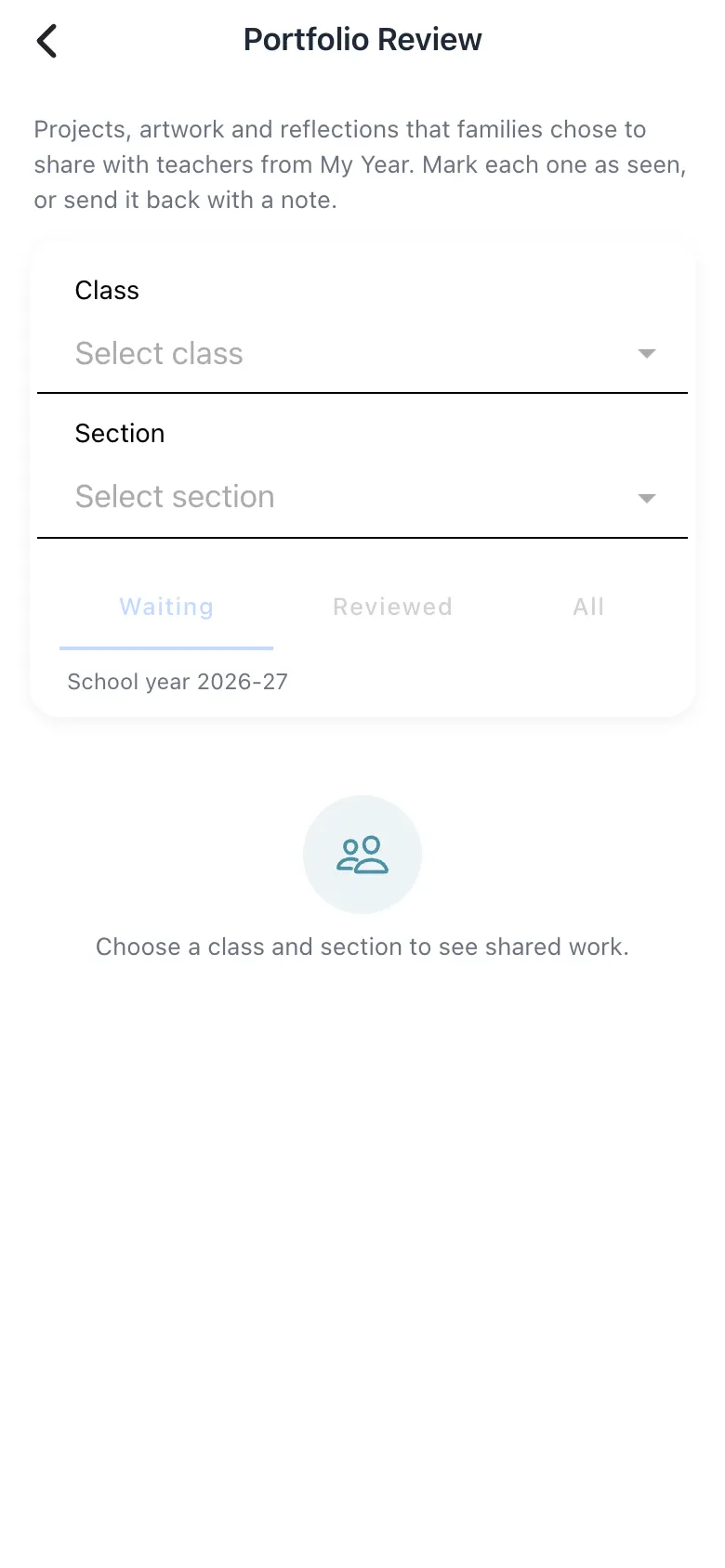 Open a bigger pictureतस्वीर बड़ी करें
Step by step
Section titled “Step by step”1. Choose the class
Section titled “1. Choose the class”Pick class and section.
2. Review
Section titled “2. Review”Open an item, then Mark as seen or Send back with a note.
Fields and filters
Section titled “Fields and filters”| Field | What it is | Notes |
|---|---|---|
| Class / Section | Whose work. | Required. |
| Note for the family | Feedback visible to the family. | Optional. |
Buttons
Section titled “Buttons”| Button | What it does | What happens next |
|---|---|---|
| Mark as seen | Records that you reviewed it. | It moves to Reviewed. |
| Send back | Returns it with your note. | The family sees the note. |
After you save
Section titled “After you save”- This screen only shows information.
Good to know
Section titled “Good to know”- Only work families chose to share appears here.
Messages you may see
Section titled “Messages you may see”| Message | What it means | What to do |
|---|---|---|
| Not available | Not switched on. | Ask the administrator. |
| Photos could not be loaded. Pull down to refresh. | Photos failed. | Refresh. |
- Write encouraging notes.
Stuck? Try this
Section titled “Stuck? Try this”| Problem | Likely cause | What to do |
|---|---|---|
| Nothing shows | No family shared work. | Check again later. |
Did this page help?क्या इस पेज से मदद मिली?
Thanks! Glad it helped.धन्यवाद! अच्छा लगा कि काम बन गया।
Sorry about that. Ask in your own words, or write to us.माफ़ कीजिए। अपने शब्दों में पूछें, या हमें लिखें।