
Screen guide · Admin app
Admissions
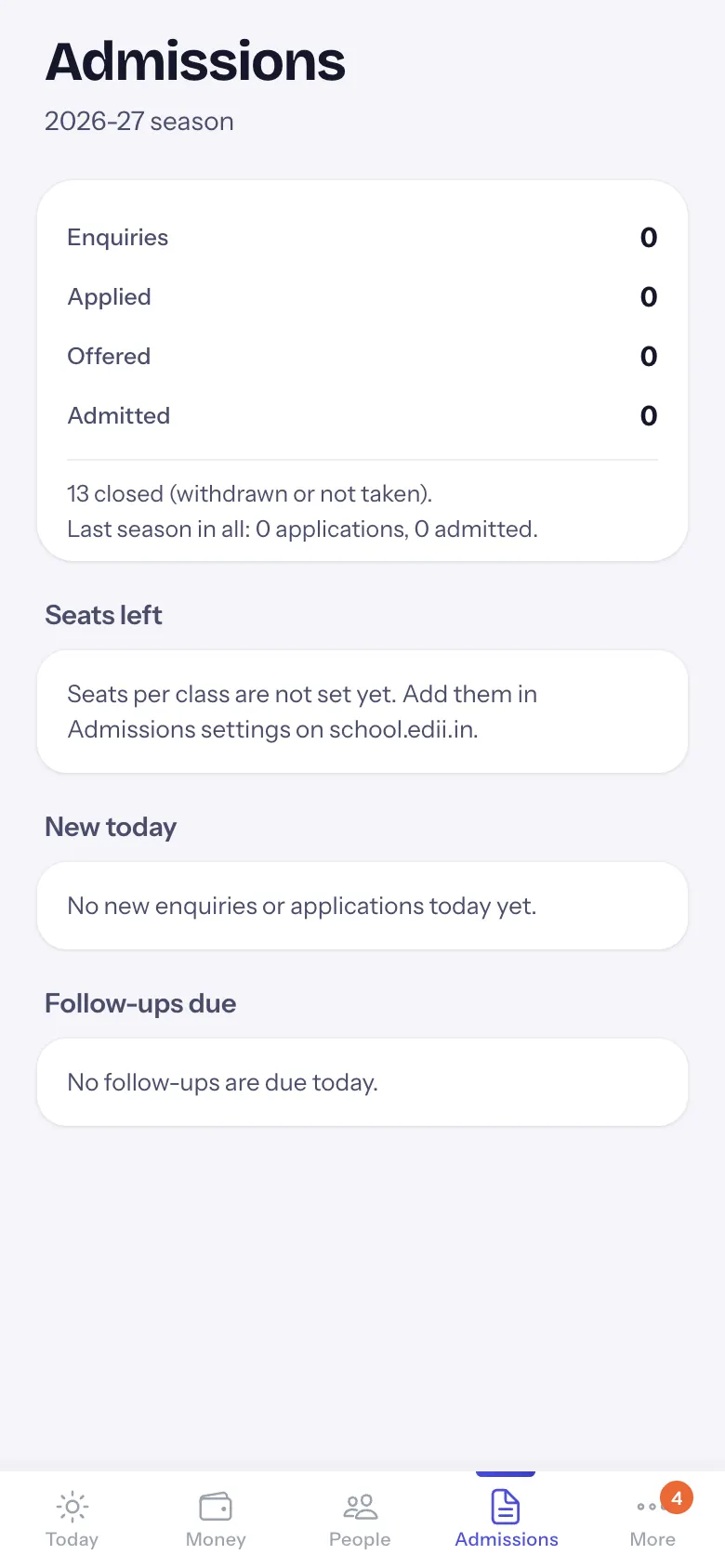
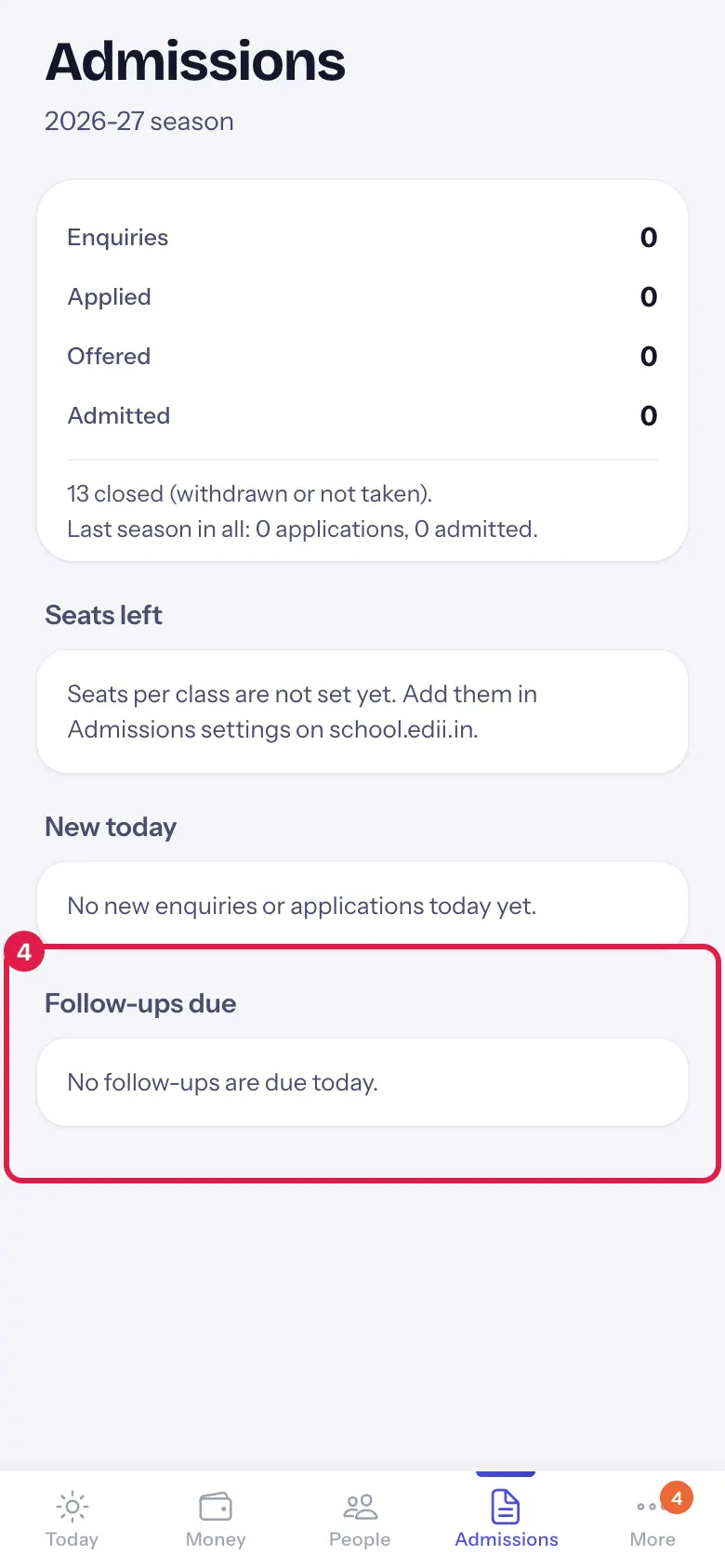
The admission season on one screen: enquiries to admitted, seats left in each class, today's new enquiries and applications, and follow-ups due, each with Call.
यह पेज अंग्रेज़ी में है। कुछ समझ न आए तो ।
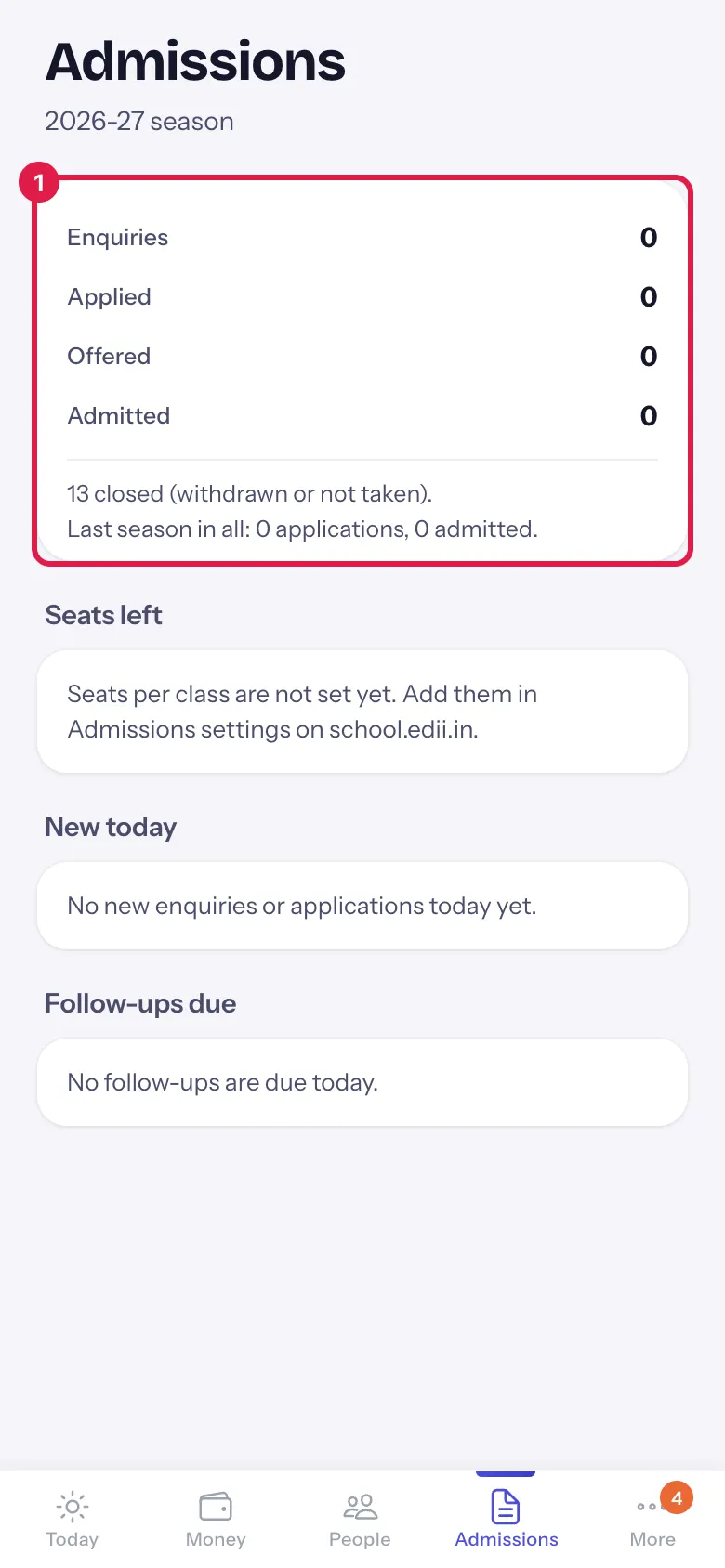
Under the title: the season (2026-27 season). The funnel shows Enquiries, Applied, Offered (with waitlisted) and Admitted for the season, with Applied to admitted 34%, how many were closed (withdrawn or not taken) and last season’s totals (Last season in all: 120 applications, 85 admitted.).
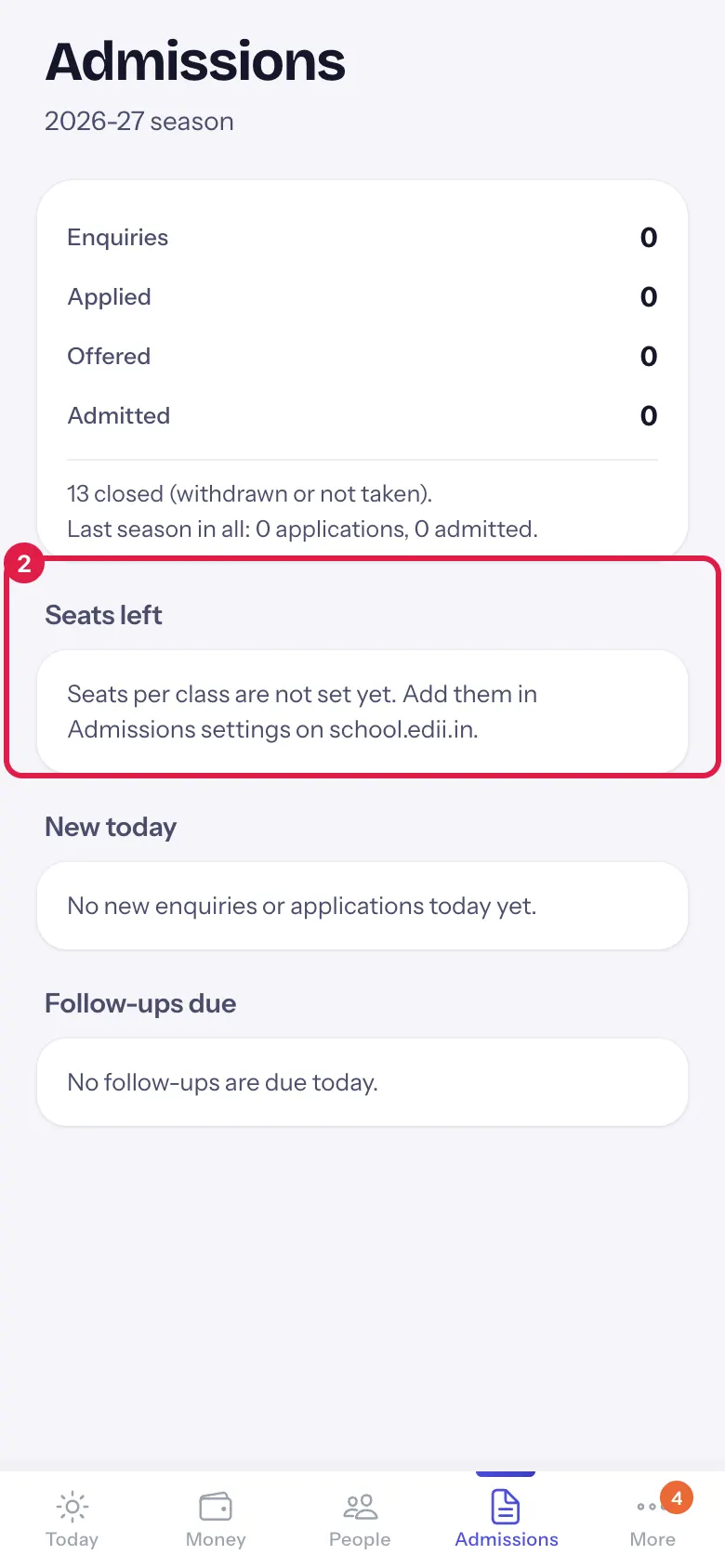
Seats left shows each class’s seats minus the offers made; Full and classes with two or fewer seats are highlighted. When seats are not set: Seats per class are not set yet. Add them in Admissions settings on school.edii.in.
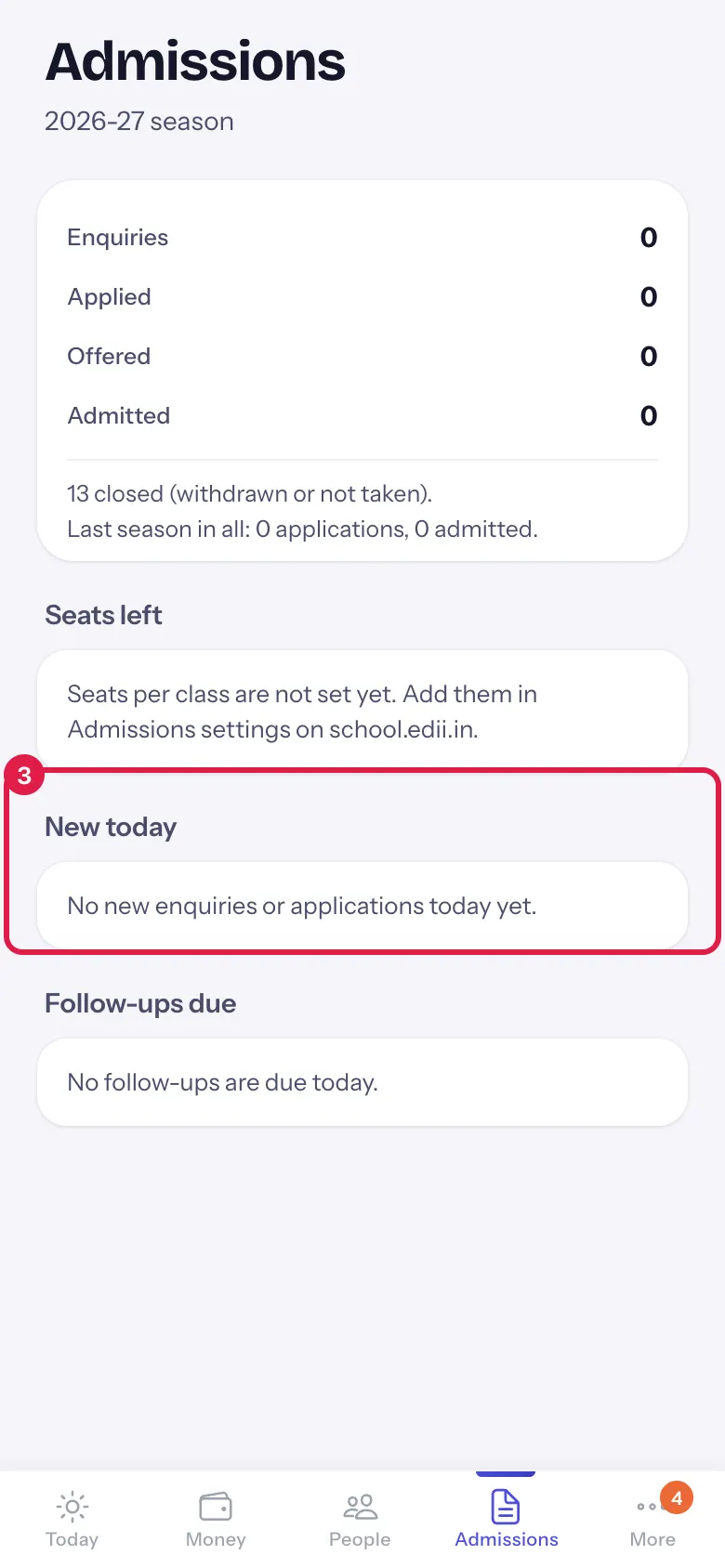
New today lists the enquiries and applications received today (name, class, and Applied 2 hours ago, website form. or the enquiry’s source and notes), each with Call. With none: No new enquiries or applications today yet.
Follow-ups due lists open applications and enquiries whose follow-up date is today or has passed (follow-up due today, follow-up overdue since 3 days ago), up to 20, each with Call. With none: No follow-ups are due today.
Who uses it and when
Section titled “Who uses it and when”Principals and the admission desk, during the admission season.
Before you start
Section titled “Before you start”- Admissions (applications, seats and follow-ups) and enquiries are managed on school.edii.in.
Where to find it
Section titled “Where to find it”- Choose Admissions in the bottom bar.
- Or select the enquiries tile on Today.
 Open a bigger pictureतस्वीर बड़ी करें
Step by step
Section titled “Step by step”1. Read the funnel
Section titled “1. Read the funnel”See how many enquiries became applications, offers and admissions this season.
 Open a bigger pictureतस्वीर बड़ी करें
2. Check seats left
Section titled “2. Check seats left”See which classes are full or nearly full.
 Open a bigger pictureतस्वीर बड़ी करें
3. Call today’s new enquiries
Section titled “3. Call today’s new enquiries”Under New today, select Call.
 Open a bigger pictureतस्वीर बड़ी करें
4. Work the follow-ups
Section titled “4. Work the follow-ups”Under Follow-ups due, call the families waiting longest.
 Open a bigger pictureतस्वीर बड़ी करें
Buttons
Section titled “Buttons”| Button | What it does | What happens next |
|---|---|---|
| Call | Dials the family’s number. | Your phone’s dialler opens. |
After you save
Section titled “After you save”- This screen only shows information.
Good to know
Section titled “Good to know”- The screen only reads; change stages, seats and follow-up dates on school.edii.in.
- Call shows only when a phone number is on record.
Messages you may see
Section titled “Messages you may see”| Message | What it means | What to do |
|---|---|---|
| Couldn’t read admissions. | The funnel and seats failed. | Pull down to try again. |
| Couldn’t read today’s enquiries. | New today failed. | Pull down to try again. |
| Couldn’t read the follow-ups. | Follow-ups failed. | Pull down to try again. |
- After a call, record the outcome and the next follow-up date on school.edii.in so the list stays short.
Stuck? Try this
Section titled “Stuck? Try this”| Problem | Likely cause | What to do |
|---|---|---|
| Everything is 0 | No applications or enquiries in this season yet, or the app is on another session. | Check the session in More › Settings. |
Did this page help?क्या इस पेज से मदद मिली?
Thanks! Glad it helped.धन्यवाद! अच्छा लगा कि काम बन गया।
Sorry about that. Ask in your own words, or write to us.माफ़ कीजिए। अपने शब्दों में पूछें, या हमें लिखें।