
Screen guide · Web app
Timetable
The Timetable studio: load a class's timetable, build it by hand, with AI or from Excel, set breaks, free periods, exams and holidays, and generate a teaching plan.
यह पेज अंग्रेज़ी में है। कुछ समझ न आए तो ।
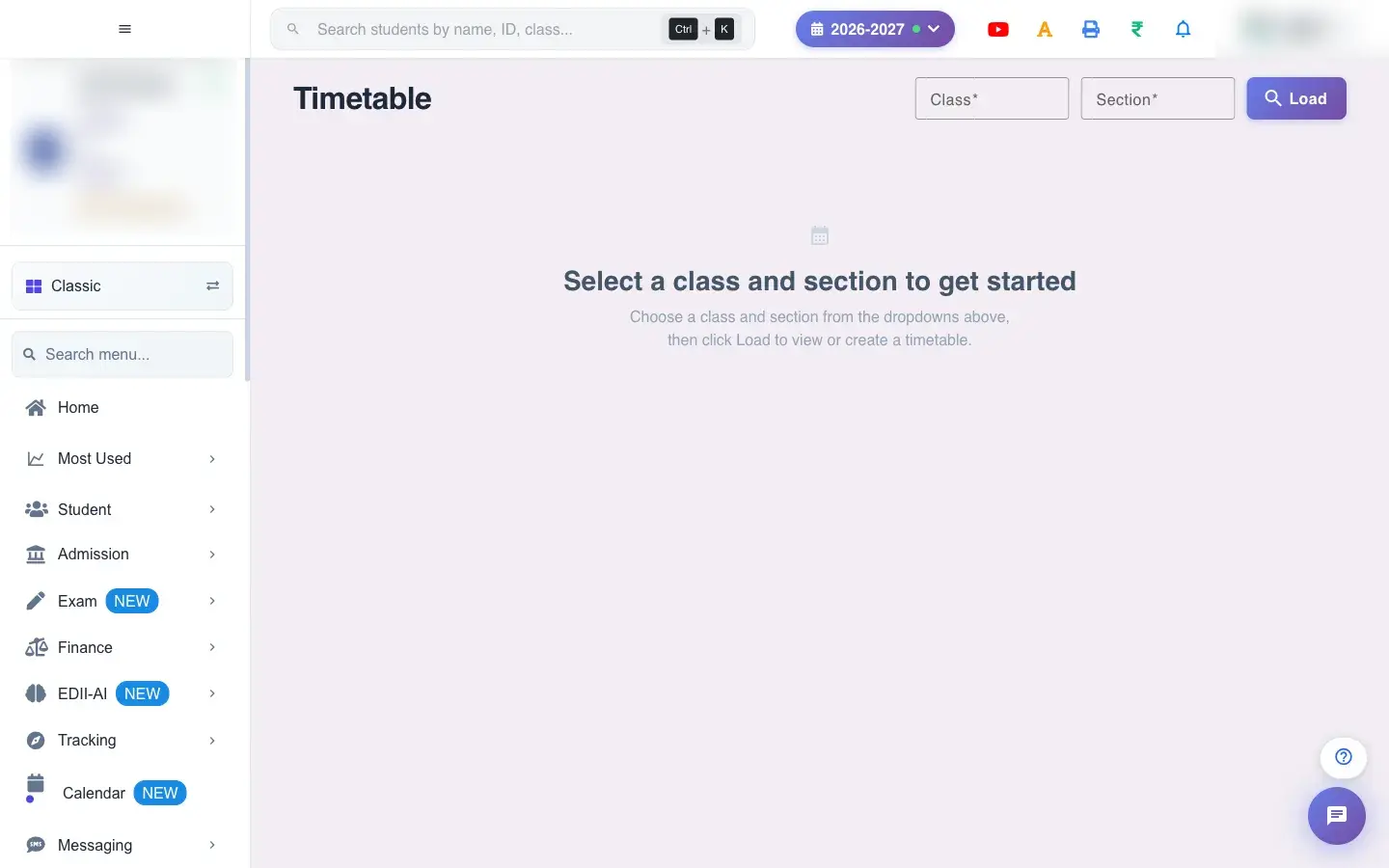
Timetable (Student › Timetable) is the main place to create and view timetables. Choose the Class and Section and select Load. If the class has none, choose how to create it: Create Manually, AI Auto-Generate (EDII’s AI drafts the week from the class’s subjects) or Build in Excel (Download Template, fill it in and upload).
The setup asks for Days/Week (5, Mon-Fri, or 6, Mon-Sat), Periods/Day (a whole number), Start Time, Duration (min) and the Session Start/End Date. In the grid each cell holds a subject, optionally a Location; you can mark a period as Break or Free Period, drag to reorder and change a period’s type with Change Type. A Timetable Summary and Curriculum Preview show subject coverage; Jump to moves between weeks. Exam, Revision and Holiday periods can be added for dates, and the grid shows No exam periods added when there are none.
In edit mode (You are in edit mode. Make changes and save.) select Save (Timetable saved successfully). Teachers’ permissions can be kept in step with the timetable. Generate Teaching Plan builds a day-by-day plan from the curriculum; use Print, Export or Download Template for paper and Excel.
Who uses it and when
Section titled “Who uses it and when”The timetable coordinator, once a session and when changes happen.
Before you start
Section titled “Before you start”- Subjects must exist for the class. Decide periods per day and timings. Use AI output as a draft and review it.
Where to find it
Section titled “Where to find it”- Menu: Student › Timetable
- Address:
/view/time-table-v2 - If it is missing from your menu, your role does not include it. Ask your school admin.
 Open a bigger pictureतस्वीर बड़ी करें
Step by step
Section titled “Step by step”1. Load the class
Section titled “1. Load the class”Choose Class and Section and select Load (Please select class and section if empty).
2. Pick how to build
Section titled “2. Pick how to build”Create manually, AI Auto-Generate, or build in Excel.
3. Set the structure
Section titled “3. Set the structure”Days per week, periods per day, start time and duration. Periods per day must be a whole number guides you.
4. Fill the grid
Section titled “4. Fill the grid”Pick a subject for each slot, add breaks and free periods, and set locations.
5. Save
Section titled “5. Save”Select Save. Timetable saved successfully confirms it.
Fields and filters
Section titled “Fields and filters”| Field | What it is | Notes |
|---|---|---|
| Class / Section | Which timetable. | Required. |
| Days/Week, Periods/Day, Start Time, Duration (min) | The structure. | Whole numbers. |
| Session Start Date / End Date | When the timetable applies. | Used for the plan. |
| Subject / Location per period | What is taught and where. | Locations remembered as suggestions. |
Buttons
Section titled “Buttons”| Button | What it does | What happens next |
|---|---|---|
| Load | Loads the class’s timetable. | The grid appears. |
| AI Auto-Generate / AI Regenerate | Drafts the timetable with AI. | A draft appears for review. |
| Download Template / Upload | Excel route. | Fills the grid from the file. |
| Save | Saves the timetable. | Timetable saved successfully. |
| Generate Teaching Plan | Builds a plan from the curriculum. | The plan shows by day. |
| Print / Export | Paper or file. | Opens a print view or downloads. |
After you save
Section titled “After you save”- The timetable is saved for the class and shows to teachers, students and parents; the teaching plan follows it.
Good to know
Section titled “Good to know”- A class and section are needed before loading.
- Review AI drafts before saving.
Messages you may see
Section titled “Messages you may see”| Message | What it means | What to do |
|---|---|---|
| Please select class and section | Missing. | Choose both. |
| Timetable saved successfully | Saved. | Nothing to do. |
| Periods per day must be a whole number … | Invalid number. | Enter a whole number. |
| Network error. Please try again. | A request failed. | Try again. |
- Save often while editing.
- Copy the structure to similar classes.
Stuck? Try this
Section titled “Stuck? Try this”| Problem | Likely cause | What to do |
|---|---|---|
| AI timetable has gaps | Subjects or teachers missing. | Add subjects, then regenerate or edit by hand. |
Did this page help?क्या इस पेज से मदद मिली?
Thanks! Glad it helped.धन्यवाद! अच्छा लगा कि काम बन गया।
Sorry about that. Ask in your own words, or write to us.माफ़ कीजिए। अपने शब्दों में पूछें, या हमें लिखें।